
| Summary: Upgrading Zebra Android devices requires a structured, phased approach to protect security, productivity, and business continuity. Organizations should assess their fleet, evaluate upgrade or replacement needs, maintain security updates, test applications and workflows, use centralized device management, and deploy in controlled stages. Ongoing lifecycle management helps maximize device value and minimize disruption. |
Enterprise mobile device upgrades are rarely just installing a new OS. Small changes can impact employee workflows when devices help to support daily operations of warehouses, manufacturing sectors, healthcare, retail, or transportation.
Devices from Zebra for Android are usually linked with enterprise systems, apps, wireless networks, along with scanners, printers, and RFID readers. This means application compatibility, security, device management, connectivity, and the overall productivity of users can be heavily affected by OS upgrades.
A Zebra Android upgrade is not a simple software update but an enterprise technology initiative.
The idea is to not break crucial workflows while making security, everyday performance, manageability, and device functionality better.
A structured migration process starts with comprehending the existing IT framework, charting a course of action on upgrade pathways in question, application, phased rollout of upgrades, and post-deployment support.
Lowry Solutions takes this exact approach by integrating the elements of an assessment with transitioning, deploying, testing, user training, and post-project support. This leads to a smooth transition that satisfies technology and user requirements together.
Assess Your Zebra Fleet and Define the Right Upgrade Path
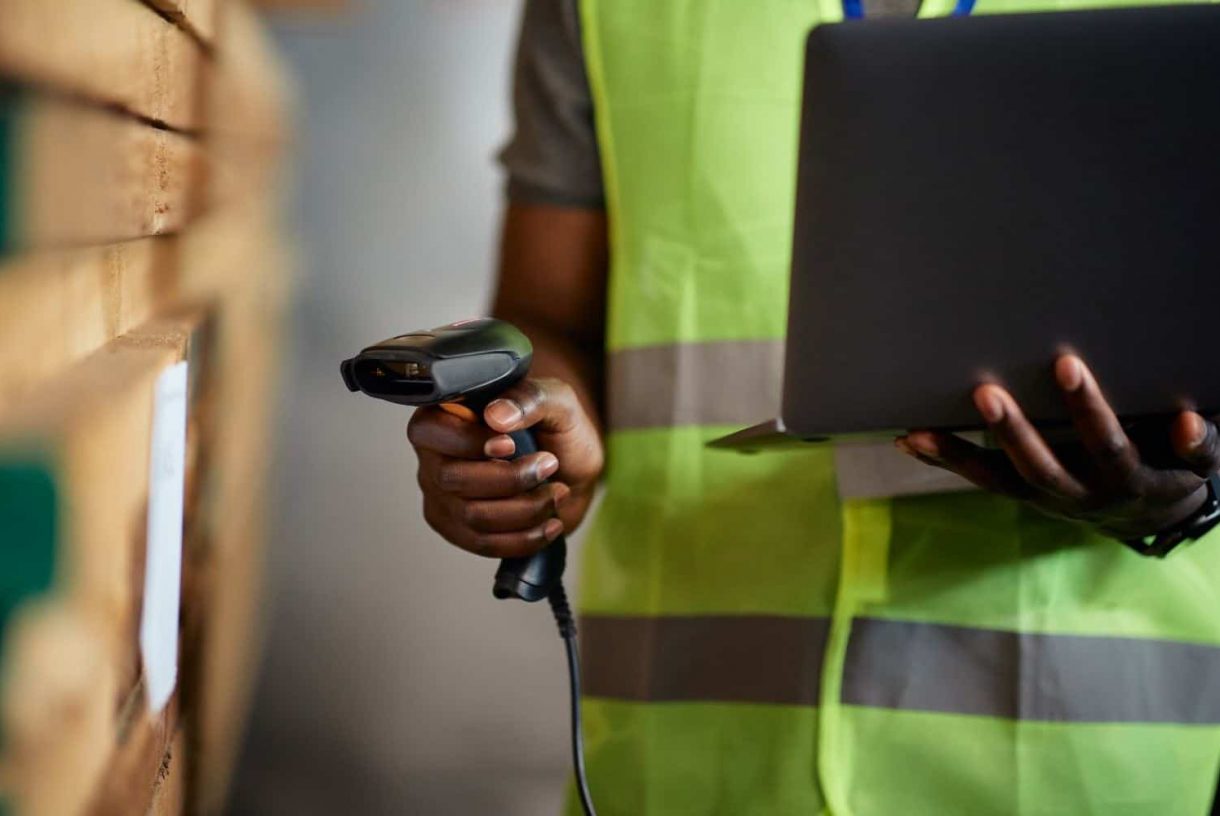
Before upgrading any Zebra device, start with an accurate view of the existing fleet.
Enterprise environments often include devices purchased at different times, running different Android versions, applications, security patches, and configurations. Some may support a direct upgrade, while others may require prerequisite updates or replacement.
A fleet assessment should identify:
- Zebra device models and quantities
- Current Android versions and security patch levels
- Device age and lifecycle status
- Installed and critical applications
- Wi-Fi and cellular configurations
- Bluetooth accessories and peripherals
- RFID and barcode requirements
- ERP and WMS integrations
- EMM or MDM configuration
- Warranty and support status
This information helps determine the appropriate upgrade path for each device.
A practical model is:
Current OS → Prerequisite Update → Target Android Version → Validation
Not every device should automatically be upgraded. Older hardware may have limitations that make replacement a better option.
When deciding between upgrade and replacement, consider:
- Hardware and OS compatibility
- Remaining device lifecycle
- Application requirements
- Device performance
- Security update availability
- Repair and support costs
- Business criticality
This helps organizations avoid investing time and resources in devices that are already nearing the end of their useful lifecycle.
Prioritize Security Updates and Zebra LifeGuard
Security should be a primary consideration when managing enterprise Android devices.
Mobile computers often access business applications, corporate networks, customer information, inventory systems, and other operational data. Outdated software can increase exposure to known vulnerabilities and create unnecessary security risks.
Zebra LifeGuard for Android is an important part of Zebra’s device lifecycle strategy. It provides supported Android OS and security updates for eligible Zebra devices, helping organizations maintain security throughout the supported device lifecycle.
Organizations should establish a consistent process for:
- Monitoring Android security patch levels
- Reviewing and applying available updates
- Maintaining supported Android versions
- Addressing known vulnerabilities
- Documenting device compliance
Security updates should be part of the regular device lifecycle, not something addressed only after an incident.
Best practice: Build security patch management into the ongoing mobile device strategy rather than treating an Android upgrade as a one-time project.
This makes device security more predictable and gives IT teams greater control over the enterprise fleet.
Test Applications, Scanning, Connectivity, and Peripherals Before Deployment
A device that successfully boots after an OS upgrade is not necessarily ready for production.
Enterprise testing should focus on the workflows employees perform every day.
For Zebra Android devices, testing should include:
- Barcode scanning and data capture
- RFID functionality, where applicable
- Wi-Fi and cellular connectivity
- Business-critical applications
- Bluetooth accessories and printers
- Authentication and security policies
- ERP and WMS connectivity
- Device management policies
- Battery performance and responsiveness
Application compatibility requires particular attention. Applications that worked on an older Android version may need updates, configuration changes, or additional validation.
User Acceptance Testing
User Acceptance Testing (UAT) adds another layer of validation. IT teams can confirm that applications work technically, while employees can validate how the technology performs in real operations.
For example, a warehouse team should test a complete workflow:
Receiving → Scanning → Picking → Inventory → Shipping
The goal is to validate the entire process, not simply confirm that an application opens.
UAT can identify issues such as:
- Scanning delays
- Navigation problems
- Connectivity interruptions
- Authentication issues
- Peripheral compatibility
- Workflow changes affecting productivity
Lowry Solutions incorporates connectivity testing, application validation, workflow testing, and UAT to help ensure the upgraded environment works for both IT teams and end users.
Use EMM/MDM to Standardize Deployment

Managing Android upgrades manually across hundreds or thousands of devices can quickly become challenging.
An Enterprise Mobility Management (EMM) or Mobile Device Management (MDM) platform provides centralized control over configurations, applications, security policies, and updates.
Key capabilities can include:
- Device enrollment and configuration
- Application deployment
- Security policy enforcement
- OS update management
- Remote monitoring
- Compliance management
- Device troubleshooting
This turns individual device updates into a controlled deployment process.
Zebra supports enterprise management and software updates through technologies such as FOTA, EMM integration, StageNow, and OEMConfig. The right approach depends on the organization’s devices, management platform, applications, and deployment strategy.
Centralized management also provides value after the upgrade by helping IT teams maintain configurations, distribute applications, monitor devices, and manage future updates.
Lowry Solutions treats enterprise mobility as an ongoing lifecycle rather than a one-time deployment.
Its mobility services can bring together device deployment, configuration, management, support, repair, and lifecycle services, helping organizations maintain a consistent strategy across their mobile computing environment.
Roll Out the Upgrade in Phases, Not All at Once
One of the biggest risks in an enterprise Android migration is upgrading the entire fleet at once. A phased deployment provides greater control, allowing IT teams to identify and resolve issues with a limited group before expanding the rollout.
A practical deployment model includes four stages.
1. Scope & Planning
Define the current environment and desired outcome.
Key activities include:
- Assessing the existing Zebra device fleet
- Identifying critical applications and workflows
- Defining upgrade requirements and priorities
- Establishing deployment phases
- Identifying potential business risks
- Defining success criteria such as compatibility, security, performance, and user acceptance
2. Design & Implementation
Develop the technical migration plan, including:
- Inventorying Zebra devices and Android versions
- Evaluating hardware and OS compatibility
- Reviewing applications, integrations, and peripherals
- Identifying prerequisite updates
- Planning device management and deployment configurations
- Determining which devices should be upgraded or replaced
3. Testing & Validation
Test before production deployment. Validate:
- Device functionality and connectivity
- Applications and ERP/WMS integrations
- Barcode and RFID workflows
- Peripherals
- Security and device management policies
- Battery and overall performance
User Acceptance Testing should follow technical validation to confirm performance in real working conditions.
4. Pilot, Training & Support
Run a controlled pilot with a representative group of users and devices. Monitor performance, gather feedback, and resolve issues before expanding the rollout.
Training should cover both employees and support teams, including workflow changes and common troubleshooting steps.
Once the pilot is successful, expand the deployment in controlled phases.
Lowry’s approach follows the same progression: scope and planning → design and implementation → testing and validation → pilot, training, and support. This structure helps reduce risk while maintaining operational continuity.
Plan for Device Lifecycle Management After the Upgrade
An Android upgrade should not be considered complete when the last device receives the new operating system.
The next priority is ongoing lifecycle management.
IT teams should continue monitoring:
- Android versions
- Security patch levels
- Device performance
- Application compatibility
- Battery health
- Device utilization
- Repair requirements
- Replacement needs
- Warranty status
- Support eligibility
This ongoing visibility helps organizations identify issues before they become operational problems.
Lifecycle management also helps prevent another rushed migration. By tracking device age, support status, software versions, and performance, organizations can plan future replacements and upgrades before they become urgent.
When Should a Device Be Replaced Instead?
Not every older Zebra device should automatically receive an upgrade.
Replacement may make more sense when:
- The hardware does not support the required Android version
- The device is nearing the end of its lifecycle
- Performance no longer meets operational requirements
- Applications require capabilities the hardware cannot provide
- Repair costs are increasing
- Security support is no longer available
- New workflows require newer device capabilities
A structured lifecycle strategy allows organizations to make these decisions based on operational requirements rather than waiting for devices to fail.
Lowry Solutions can support this broader lifecycle through hardware procurement, deployment, configuration, repairs, replacements, warranty management, and ongoing support.
Conclusion: Upgrade With Less Disruption and More Control
Enterprise-wide upgrade of Zebra Android devices is not just about changing an operating system. It’s a business continuity and life cycle management program that can touch applications, connectivity, security, workflows, and employees.
A structured approach helps organizations:
- Improve mobile device security
- Maintain application compatibility
- Reduce operational disruption
- Standardize device management
- Extend hardware value
- Improve workforce productivity
- Have more control over the life cycle of devices
The most successful patterns proceed from assessment and planning, through application and workflow validation, centralized deployment, gradual rollout, user onboarding, as well as ongoing lifecycle management.
Experienced support is critical for organizations relying on Zebra mobile computers in intricate environments, as it can be the key differentiator between a disruptive migration and a staged modernization initiative.
Lowry Solutions helps organizations evaluate, implement, configure, integrate, manage, and support enterprise mobility environments. A hardware device offering along with enterprise mobility services, deployment capability, testing and training, followed by after-sales support allows organizations to create a better, more manageable, and reliable mobile technology environment.
Ready to Modernize Your Zebra Android Device Fleet?
Upgrading does not have to mean disrupting the workflows your teams depend on.
Lowry Solutions can help assess your current Zebra environment and develop a practical upgrade strategy based on your hardware, applications, integrations, workflows, and operational requirements.
The goal is simple: modernize your mobile technology while keeping your business moving.
Frequently Asked Questions
Start by inventorying devices, Android versions, applications, security patches, accessories, integrations, and lifecycle status. Then identify compatibility requirements and create a phased upgrade plan.
No. Some older devices may be better candidates for replacement based on hardware compatibility, lifecycle status, application requirements, performance, and support availability.
Applications may behave differently after an operating system change. Testing helps verify scanning, connectivity, integrations, authentication, peripherals, and critical workflows before production deployment.
Zebra LifeGuard for Android provides supported OS updates and security updates for eligible Zebra devices, helping enterprises maintain security and manage devices throughout their supported lifecycle.
Lowry Solutions can support assessment, device selection, deployment, configuration, application and workflow validation, training, enterprise mobility management, repairs, replacements, and ongoing lifecycle support.

A Horizons Talent Alumnus and Microsoft Certified Systems Engineer (MCSE), the author brings a proven track record of success in senior shared-services leadership roles within large, complex multinational organizations, particularly in the manufacturing sector.
With deep experience at Senior Manager level, they have led strategic customer relationships by understanding core business imperatives, shaping service and solution propositions, and delivering measurable business outcomes.