
Many modern businesses are implementing some form of mobility strategy – whether it is made up of corporate-owned, personal or preapproved mobile devices – to increase capability and improve productivity. However, if these devices are not managed, more capability can lead to more confusion.
Mobile device management solutions help businesses that rely on mobile and handheld technologies address critical challenges: Which devices and platforms should be supported? How can company resources be secured on these devices? And how can employee use and access be effectively regulated?
Implementing any form of mobile solutions requires businesses to establish a long-term plan to manage and maintain the devices. Without a structured, well-thought out plan, businesses can become more susceptible to liability. Consider the following factors when putting together a mobile device plan:
Platform selection: What devices will you allow on your network?
First consider the operating system or platform and vendor, model or version for mobile devices. For example, do the devices you’re considering run on Apple iOS, Google Android, Blackberry OS or Microsoft Windows?
To choose the best one for your business needs, consider their capabilities – such as encryption, remote access, and integration with RFID technology. The capabilities you require will depend on your business needs, or what you plan to do with the devices and what features are needed to accommodate.
Once you’ve chosen a platform, what models and versions will you support? Establish a baseline for the ones you will accept for business use. Keep in mind that the more devices you allow your employees to use, the thinner your management plan will be spread – so try to enforce some level of standardization.
Setup: What corporate resources will employees need access to? How much IT involvement will you need?
Once chosen, what will need to be done to each device? At a minimum, they will need to be registered and added to your directory. After that, certain apps and programs may need to be installed, and access may need to be controlled depending on role. Some devices will offer native management options, while others require a visit to the app store or a web portal for downloads or installs.
Another thing to consider is that you may need to override defaults on your mobile devices. This could involve passwords or registry keys.
Data security: How will information be accessed?
Consider how information will be stored on your devices and how your employees will access it. Depending on the sensitivity of your information and the technology available, the answer could be to store information directly on the device or to access it remotely. Be sure to research any compliance requirements or mandates that govern your industry – they could have an effect on the level of security your management plan must include.
Risk protection and crisis management: How will you protect both employee and customer information? How will you wipe corporate information in the event of loss, theft or crisis?
If your mobile devices will have sensitive employee or customer information on them, they could pose a risk to your business if they are not secured properly. Consider who will be able to access what. A role-based access allowance system comes in handy when businesses prefer their more tenured employees to handle sensitive information, or prefer technical employees to facilitate back-end IT needs.
When securing your devices and protecting them from potential attacks, it is best to take as many measures as possible. To protect information, a combination of encryption and virtualization (a.k.a. remote desktop access services) must be considered so that sensitive information is not stored in vulnerable spaces.
For example, make sure that your devices are not connected to the same network as your appliances – recent research has shown that hackers can gain access to corporate data through appliances like vending machines and air conditioners.
Policy Enforcement and Compliance: How Will You Maintain Consistency Across Devices?
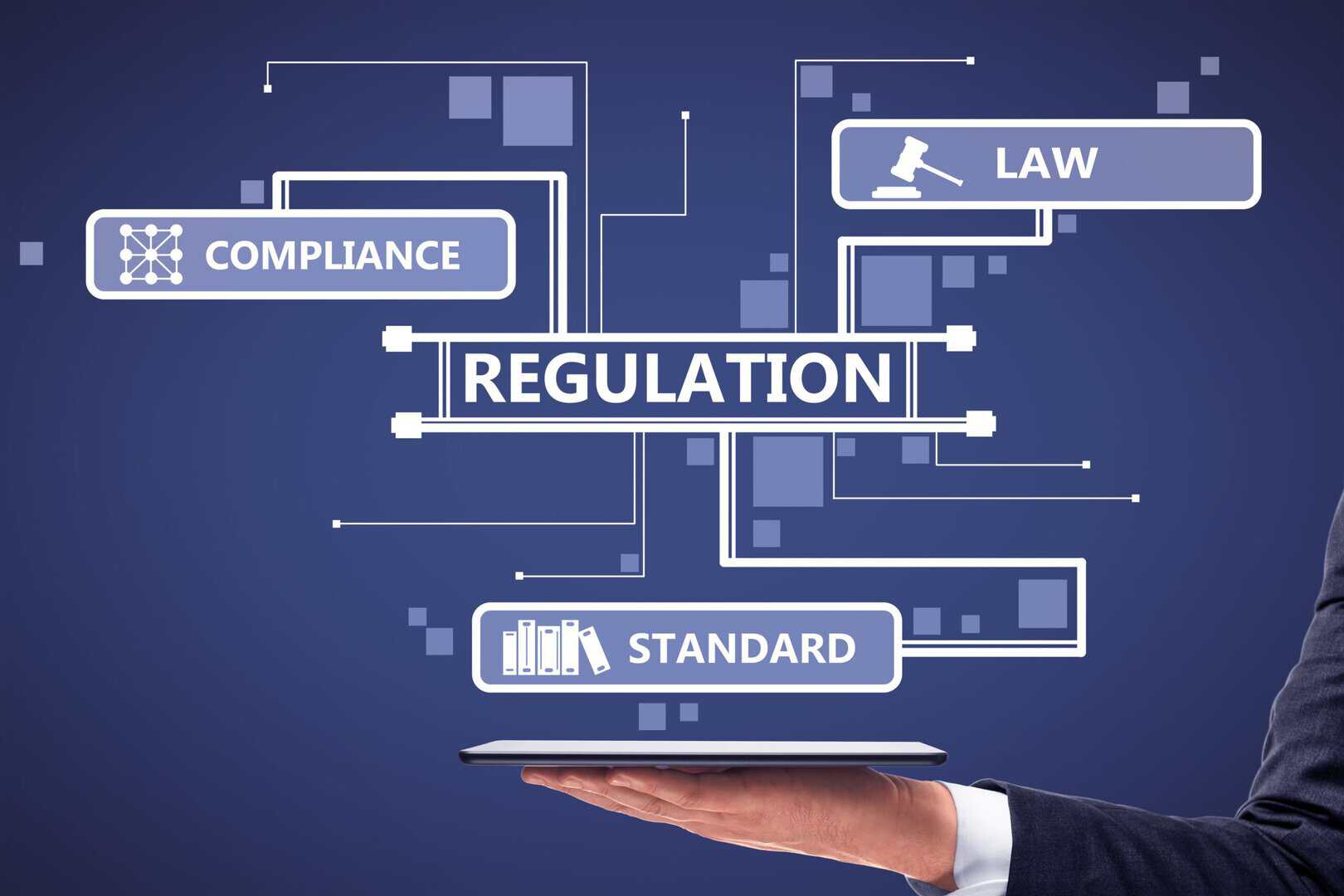
Picking the right devices and locking down your data are only part of the puzzle. The harder part, the part most businesses underestimate, is building the policies and habits that keep everything running consistently once those devices are out in the field. Without that foundation, even a well-resourced mobile program will start developing cracks. Devices drift out of compliance. Employees find workarounds. IT teams spend their time chasing problems that good policies would have prevented.
Start With Usage Policies That Are Actually Clear
Vague policies create more problems than no policies at all. If employees don’t know what’s expected of them, they’ll make their own decisions, and those decisions won’t always align with what your security team had in mind.
A useful usage policy doesn’t need to be fifty pages long. It needs to answer the questions employees actually have: What am I allowed to do on this device? Can I install apps? How should I handle company data? What happens if I lose it? Cover those questions plainly, and people will follow the guidelines. Leave them guessing and they won’t.
At a minimum, your policies should address which activities are permitted on company-owned devices, what types of applications employees can install, how business data should be stored and shared, and what security requirements, passwords, multi-factor authentication, and screen locks are non-negotiable. The goal isn’t to build a rulebook that covers every scenario. It’s to give employees enough clarity that they can make the right call on their own when specific guidance doesn’t exist.
Compliance Isn’t Optional in Regulated Industries
If your organization operates in healthcare, finance, legal, or any other regulated space, mobile device compliance isn’t a best practice — it’s a requirement. Regulators don’t grade on a curve, and “we didn’t have a system in place to monitor that” is not a defense that holds up well during an audit or after a breach.
The good news is that compliance monitoring doesn’t have to be a manual, labor-intensive process. The right MDM setup can handle much of the heavy lifting automatically — tracking device security status in real time, flagging devices that have been tampered with or fallen out of policy, and generating the kind of documentation your compliance team actually needs when reporting season arrives.
The value of automated monitoring isn’t just about catching problems. It’s about catching them early, before a non-compliant device becomes a security incident and before a security incident becomes a penalty. IT teams can’t manually check hundreds of devices on a regular cadence. Automated tools can, and they don’t miss things.
Standardized Configurations Keep Things From Getting Out of Hand
Managing a large fleet of devices is genuinely difficult if every device is configured slightly differently. One person’s phone has a setting turned off that everyone else has on. Another device is running a version of the OS that didn’t get updated when everything else did. These small inconsistencies are the kind of thing that looks minor until something breaks and you’re spending hours figuring out why the problem only happens on some devices.
Standardized configuration baselines solve this before it becomes a pattern. When every device is set up the same way from day one, troubleshooting gets faster, onboarding gets simpler, and you know exactly what you’re working with across the fleet. Security is easier to maintain when you’re not accounting for a dozen variations. New employees get up to speed faster when the device they receive works the same way as everyone else’s.
Application Management: Getting the Right Tools to the Right People
A mobile device is only as useful as the software on it. That sounds obvious, but a surprising number of organizations never fully think through their application strategy, who needs what, how apps get distributed, how updates get managed, and what happens when someone installs something they shouldn’t.
Build an approved catalog employees can actually use. Rather than leaving employees to find and install whatever they think they need, give them a curated list of approved applications they can access on demand. This reduces the risk of unauthorized software showing up on company devices while making sure the tools people genuinely need are easy to find and install. It also gives IT much better visibility into what’s actually running across the organization.
Keep software updated — and do it automatically where you can. Outdated applications are one of the most reliable paths for attackers to find their way in. Known vulnerabilities in old software versions get exploited regularly, and many of those exploits are preventable with a patch that was available months ago. Automated update policies remove the human delay from that equation. Applications stay current, performance stays stable, and IT doesn’t have to chase down individual devices to push updates manually.
Not everyone needs access to everything. Role-based access controls are one of those things that seem bureaucratic until you really think about what they’re protecting. A warehouse associate doesn’t need access to HR records. A sales rep doesn’t need visibility into financial systems. Restricting access based on actual job responsibilities reduces the blast radius when something goes wrong. If an account is compromised, the damage is limited to what that account was authorized to access. It also simplifies user management and supports compliance requirements across the board.
Ongoing Monitoring and Support: The Work That Doesn’t End

Here’s something worth being honest about: deploying a mobile device management program is not a finish line. It’s closer to the starting gun. Devices age. Operating systems release updates that break integrations. Business needs to shift. The environment your MDM strategy was designed for in year one looks different in year three, and the program has to evolve with it.
Monitoring gives you the picture you can’t see otherwise. Regular visibility into device health, compliance status, security events, and usage patterns lets IT teams spot trends before they become incidents. A sudden spike in failed authentication attempts looks very different from a device that’s been quietly drifting out of compliance for weeks, but both show up when you’re watching the right metrics. Without monitoring, neither of them gets noticed until the damage is done.
Track the things that matter: compliance rates across the fleet, security incidents and how they’re being resolved, update completion rates, and device performance over time. These aren’t just numbers for a dashboard. They’re the early warning system that keeps problems manageable.
Support needs structure, not just good intentions. When an employee’s device stops working, or they get locked out of an application they need, they can’t wait three days for someone to get back to them. Clear, efficient support processes, covering troubleshooting, access requests, hardware replacement, and security incident reporting, reduce downtime and keep people from working around the system in ways that create new problems. A good support framework doesn’t just help employees. It helps IT maintain control over an environment that gets harder to manage the more improvised the response process becomes.
The Long View
A mobile device management strategy that actually holds up over time isn’t built on technology alone. It’s built on clear policies that people understand and follow, application management that gives employees what they need without opening the door to what they shouldn’t have, and monitoring and support processes that treat the program as ongoing rather than finished.
None of this is particularly glamorous work. But it’s the kind of work that means you’re not scrambling when something goes wrong, because you’ve already built the system that catches it early.
Need help establishing a mobile device management plan? Contact a consultant at Lowry Solutions to learn more.

A Horizons Talent Alumnus and Microsoft Certified Systems Engineer (MCSE), the author brings a proven track record of success in senior shared-services leadership roles within large, complex multinational organizations, particularly in the manufacturing sector.
With deep experience at Senior Manager level, they have led strategic customer relationships by understanding core business imperatives, shaping service and solution propositions, and delivering measurable business outcomes.