
Summary: Selecting appropriate tracking software requires unified, scalable systems that go beyond its available features. The best solutions provide real-time visibility through their ability to connect various technologies while storing all information in one location and streamlining processes to produce usable operational data. The complete asset lifecycle delivers its true worth through seamless system integration, which enhances organizational productivity while decreasing asset losses and enabling better asset management decisions.
If you ask operations teams where time gets lost, the answers are usually consistent.
Assets go missing. Equipment isn’t where it’s supposed to be. Inventory shows up in the system but not on the floor. Teams spend hours searching, checking, and rechecking.
At the same time, decisions are being made without a clear, real-time picture of what’s actually happening.
Most businesses don’t lack tools. They have scanners, spreadsheets, and maybe even tracking software. The real issue is that these tools don’t work together. Data sits in different places. Updates are delayed. Visibility is limited.
That’s where the difference lies.
The best asset tracking software isn’t just another tool layered on top of existing systems. It’s a centralized platform that connects everything—hardware, software, and workflows—into one clear, real-time view.
When that happens, tracking turns into control. And control is what drives efficiency.
What Defines “Best” Asset Tracking Software?
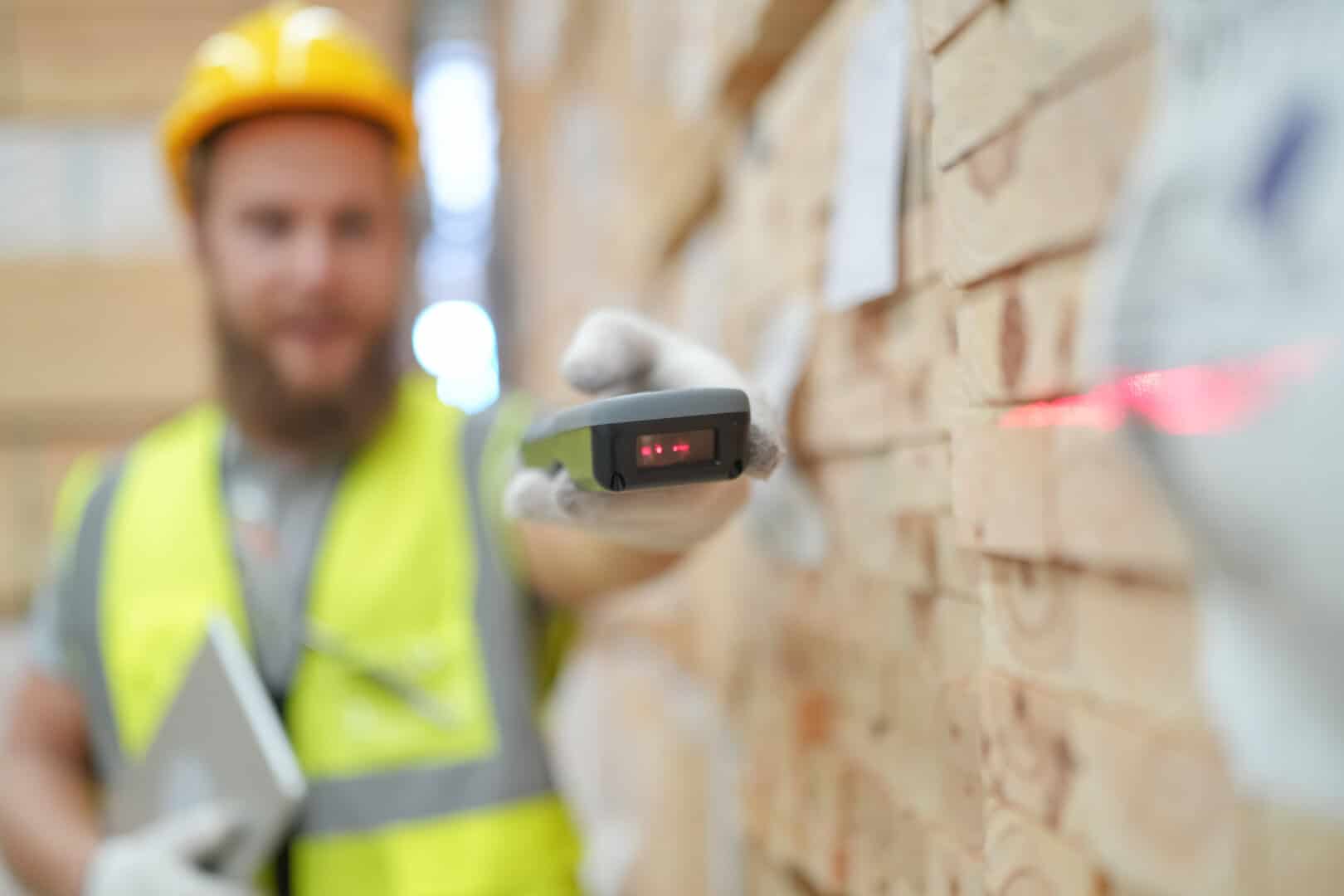
Let’s first understand what is asset tracking software?
A. It’s Not About Features Alone—It’s About System Capability
It’s easy to compare software based on feature lists. But in practice, features only matter if they work together.
A strong asset tracking system combines:
- Tracking technologies like RFID, barcode, GPS, and IoT
- A centralized software platform to manage and visualize data
- Integration with ERP, WMS, and other enterprise systems
Without that combination, even advanced features fall short.
B. The Focus Should Be on Outcomes
Instead of asking what the software can do, it’s more useful to ask what it enables.
The right system should lead to:
- Real-time visibility across operations
- Faster, more reliable workflows
- Reduced asset loss and downtime
- Better decision-making based on accurate data
If those outcomes aren’t clear, the system isn’t doing enough.
C. A Platform-Centric Approach
Modern asset tracking is built around centralized platforms.
For example, a unified platform can:
- Bring together data from multiple tracking technologies
- Present it in real-time dashboards
- Trigger alerts and workflows automatically
- Provide insights that improve operations over time
This approach eliminates silos and turns raw data into something teams can actually use.
Top 10 Features to Look for in Tracking Software

When businesses search for the best asset tracking software for enterprises, they’re often comparing features. But in practice, it’s not about checking boxes—it’s about how those features work together to give you visibility and control.
Here are the 10 features that actually matter in real operations—and what they enable.
1. Real-Time Asset Visibility Across Locations
What it means:
You can see exactly where assets are—whether they’re in a warehouse, on a production floor, or in transit.
What it looks like in practice
A supervisor can open a dashboard and immediately see where critical equipment is, without calling teams or checking multiple systems.
Why it matters:
When visibility is immediate:
- Search time drops significantly
- Teams respond faster
- Operations become more predictable
Real-time visibility isn’t just a feature. It’s the foundation of control. Without proper tracking, businesses can lose up to 20–30% of movable assets due to poor visibility and control.
2. Multi-Technology Integration (RFID, Barcode, GPS, IoT)
What it means:
The system enables multiple tracking methods to be used according to specific use case requirements.
Why it matters:
The various environmental conditions need distinct tracking methods because different environments require different tracking methods.
What it looks like in practice
- RFID tracks pallets or bulk inventory automatically
- Barcodes handle detailed item-level scans
- GPS tracks assets in transit
- IoT sensors monitor conditions
The combined technologies enable:
- more versatile tracking
- easier system expansion
- better operational coverage throughout the entire system.
Real-time visibility isn’t just a feature. It’s the foundation of control.
3. Centralized Data Platform
What it means:
All asset data is managed through one system instead of multiple disconnected tools.
What it looks like in practice
A single dashboard shows asset location, status, movement history, and usage—without needing to cross-check multiple platforms.
Why it matters
A centralized platform:
- Eliminates data silos
- Improves accuracy
- Provides a clear, unified view of all assets
Instead of switching between systems, everything is visible in one place.
4. Automated Alerts and Notifications
What it means:
The system automatically notifies users when something changes—movement, delays, or anomalies.
What it looks like in practice
- An alert when an asset leaves a defined zone
- Notification when equipment hasn’t been returned
- Warning when usage patterns look unusual
Why it matters
- Problems are identified immediately
- Teams can act before issues escalate
- Operations stay on track without constant monitoring
5. Asset Lifecycle Management
What it means:
Assets are tracked from the moment they’re acquired until they’re retired or replaced.
What it looks like in practice
You can see when an asset was purchased, how often it’s used, when it was serviced, and when it needs replacement.
Why it matters:
Lifecycle management helps:
- Plan maintenance proactively
- Reduce downtime
- Extend asset life
The process of tracking transforms into a system that manages assets throughout their entire existence.
6. Integration with ERP, WMS, and Enterprise Systems
What it means:
The tracking system connects directly with existing business platforms.
What it looks like in practice
- Asset data updates automatically in ERP systems
- Warehouse movements are reflected instantly in WMS
- No manual data re-entry between systems
Why it matters:
Integration ensures:
- Data flows automatically
- Systems stay aligned
- Operations run more smoothly
The system enables asset information to aid decision-making across multiple business functions.
7. Scalability and Flexibility
What it means:
The system can grow and adapt as the business evolves.
What it looks like in practice
You can start with one facility and expand to multiple locations, new asset types, or new workflows without rebuilding the system.
Why it matters:
A scalable system:
- Supports expansion without major changes
- Adapts to different industries or workflows
- Avoids the need for constant replacement
The sustainability of a system depends entirely on its ability to adapt under various conditions.
8. Advanced Analytics and Reporting
What it means:
The system provides insights based on asset data, not just raw information.
What it looks like in practice
- Reports on asset utilization
- Insights into downtime patterns
- Trends in asset movement or usage
Why it matters:
Data becomes valuable when it’s used to improve decisions.
Analytics can show:
- How assets are being used
- Where inefficiencies exist
- Trends in downtime or performance
This allows businesses to move from reactive to proactive operations.
9. Security and Access Control
What it means
The system controls who can access, edit, and view asset data.
What it looks like in practice
- Role-based access for different teams
- Controlled permissions for sensitive data
- Clear audit trails of activity
Why it matters
- Protects critical operational data
- Prevents unauthorized changes
- Maintains system integrity
Security here is not just IT-driven—it’s operationally important.
10. End-to-End Deployment and Support
What it means
The provider doesn’t just provide software to you, but they assist with both its implementation and ongoing safety work
What it looks like in practice
- System design based on your workflows
- Onsite deployment and configuration
- Training for your team
- Ongoing support and optimization
Why it matters
- Reduces implementation risk
- Improves adoption across teams
- Ensures long-term performance
This is often the difference between a system that works in theory and one that works in daily operations.
Why Features Alone Are Not Enough
A. The Real Gap
Many solutions offer similar features on paper.
But in practice, they often lack:
- Integration across systems
- Scalability for growth
- Ongoing support
This creates gaps that limit performance.
B. System vs Software
There’s a difference between having software and having a system.
Software performs tasks. A system connects processes.
The best results come from a complete ecosystem where:
- Hardware captures accurate data
- Software centralizes and processes it
- Workflows turn it into action
C. Where Real Value Comes From
Value comes from how everything works together.
When hardware, software, and services are aligned:
- Data becomes reliable
- Processes become consistent
- Outcomes become measurable
That’s what separates a tool from a solution.
The Role of Centralized Platforms
A. Single Source of Truth
A centralized platform brings all asset data into one place.
The system provides unified information, which eliminates confusion among users who need to access the same data.
B. Real-Time Visibility and Control
Dashboards provide a live view of operations.
Teams can observe the current situation in two different areas while they identify which parts need their attention.
C. Workflow Automation
Automation enables organizations to handle their predictable duties through three different functions:
- Maintenance schedules
- Inventory updates
- Alerts for movement or issues
The system enables organizations to handle their duties more efficiently because it decreases their manual work while delivering consistent results.
D. Business Impact
When everything is connected:
- Decisions are faster
- Operations are smoother
- Errors are reduced
The system becomes part of how the business runs, not just a tool it uses.
Final Verdict: What Makes the “Best” Asset Tracking Software

The assets tracking software doesn’t stand out because of one feature.
The system achieves distinction through its complete operational capacity.
At a practical level, it delivers:
- Real-time visibility across all assets
- Integration across systems and processes
- Automation that reduces manual effort
- Insights that support better decisions
The system establishes yet another operational function.
The system provides users with complete control over asset locations, asset usage, and operational procedures.
Organizations that implement automated asset tracking systems often see up to 25–30% improvement in operational efficiency, driven by reduced manual work and faster decision-making.
Bringing It All Together
Your current process creates tracking problems because it depends on manual tracking and uses systems that do not work together, and provides updates at a slow speed.
Your tracking system requires more than software updates because you need to enhance all its operational functions.
- Identify where visibility breaks down
- Replace manual steps with automated tracking
- Connect data across your systems
- Build around a centralized platform
The transition produces visible outcomes, which include decreased asset loss and increased work efficiency, and business processes that expand without extra difficulty.
If you’re evaluating asset management software, focus on more than features. Look at how everything connects.
Lowry Solutions works with businesses to design and implement complete asset tracking systems—combining RFID, barcode, GPS, and IoT technologies into a single, unified platform.
Frequently Asked Questions
The fixed assets software needs to provide real-time tracking capabilities that work with multiple technologies and support centralized data storage, all automated processes, and system linkage to corporate software and comprehensive data analysis functions.
Real-time visibility gives businesses the ability to track their assets throughout the day, which helps them locate assets more efficiently while making better business decisions.
The system streamlines all processes through automated tracking, which reduces the need for manual labor and delivers precise results that speed up operational activities.
Yes. The current systems integrate with enterprise resource planning and warehouse management systems and all business platforms to maintain uninterrupted data transmission between different systems.
The success of a system depends on three factors, which include system design, system integration, and system support throughout its operational life, rather than only the software that runs the system.