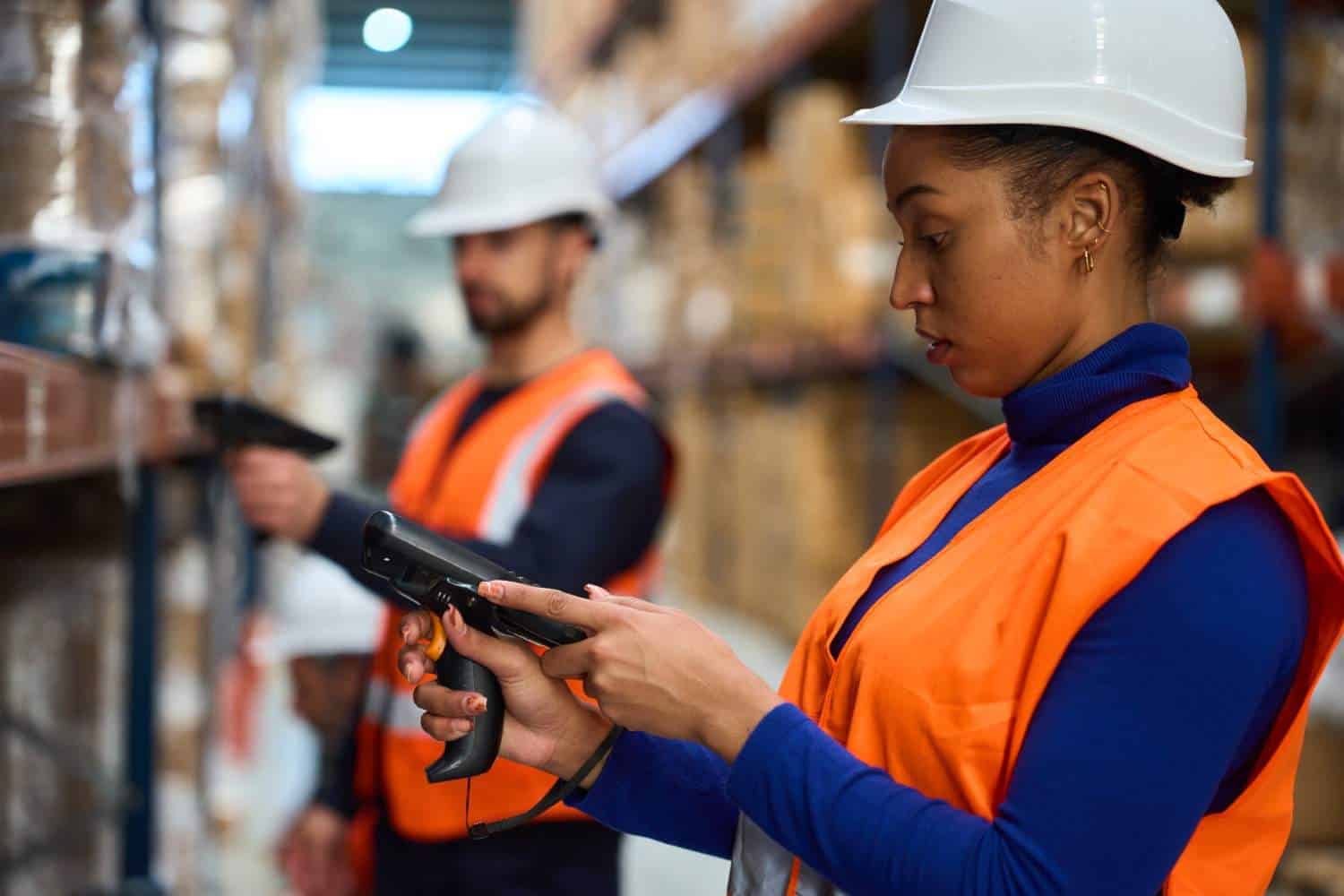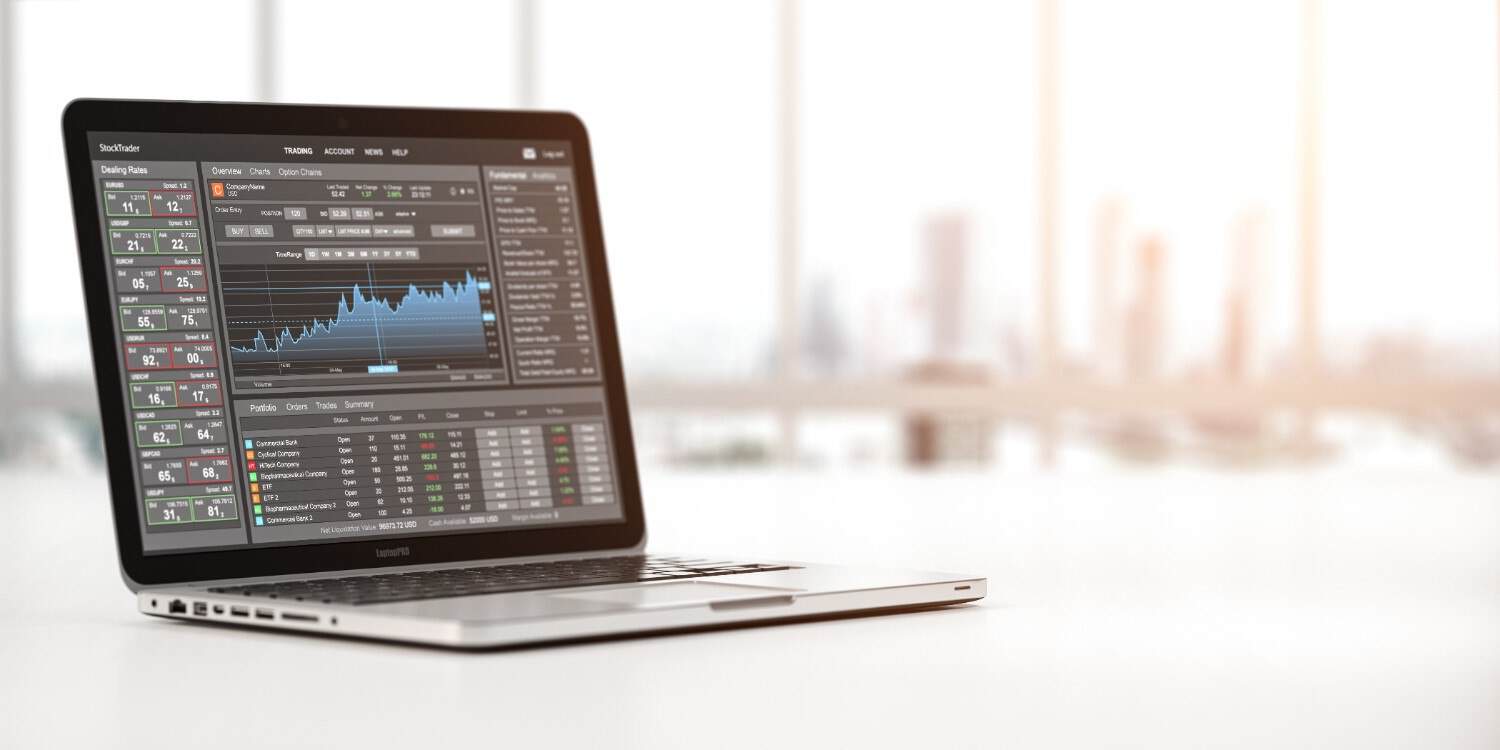
The latest technological advancements in consumer technology always seem to beg the question: What can we do next? But the Zebra TC8000 asks: Why hasn’t anyone done this before?
To bring mobile computers into the 21st century, Zebra applied their All-touch TE software to the TC8000, allowing you and your workers to interact with the touchscreen interface much like you would a common smartphone.
Plus, they’ve added a virtual keyboard — and it’s customizable too. Gone are the days of Function keys and fat-fingering. Your workers can type more speedily and accurately on a digital keyboard programmed to meet specific application needs.
And when paired with mobile device management solutions, the TC8000 becomes even more powerful, giving businesses greater control, security, and efficiency in managing their entire fleet of devices.
Transform the user experience with All-touch TE software
The TC8000 features exclusive breakthrough technology for mobile devices: All-touch TE software. This software automatically converts the traditional mobile computer “green screen” into a modern, graphics-based interface. Workers interact with the screen as they would with their own smartphones — that’s how easy it is.
But just because a graphical screen shows up instead of the green screen, doesn’t mean that the green screen is gone forever. At the push of a button, users can return back to the traditional interface if they so wish.
So what does this intuitive, user-friendly interface offer that the green screen can’t?
- Reduced training time, especially for Millennial workers accustomed to graphical screens
- Customizable keyboard, which is context-aware for specific application use
- Less input time with the keyboard, which increases efficiency
Additionally, All-touch TE is ready for use almost as soon as you take the Zebra TC8000 out of its box, reducing most of the downtime typically wasted in programming the device. The software can be programmed either by your own company’s IT team or by the reseller’s professional services team.
Enjoy greater speed and accuracy with a virtual keyboard
The keyboard that shows up on the TC8000 screen is virtual, much like you would find on any smartphone. However, the functionality of an All-touch TE keyboard is exponentially larger because it can be programmed to meet your specific business and application requirements.
There’s essentially no limit to the ways that you can program this keyboard. You can define the various entry fields to expect numbers and/or letters, or only specific characters. You can even make it multi-lingual. Depending on the application, the appropriate keyboard will pop up. Again, this is something that either your internal IT team or your reseller’s team can do.
For example — if there’s an application that requires only a yes or a no for an entry field, the keyboard can be programmed to show only a yes and no button. No need for Function keys here.
Because the Zebra TC8000 shows only the keys that are necessary for the task at hand, errors are reduced by up to 60%, and worker speed increases by up to 40%.
The Interface Problem Nobody Talks About Enough
Legacy warehouse interfaces are a productivity tax that shows up everywhere and gets measured nowhere.
Workers memorizing key sequences to navigate green screens. Extra steps to confirm inputs. Interfaces that require training not because the underlying task is complex, but because the interface design is. New employees spend days getting comfortable with navigation that has nothing to do with their actual job.
None of that creates value. All of it creates drag.
The TC8000 addresses this directly through Zebra’s All-touch TE software, which replaces the traditional function-key-driven interface with a touchscreen experience that most workers already understand. Not because it’s flashy, but because it works the way people are wired to expect things to work in 2024.
The navigation is visual and direct. Tasks are presented clearly. Getting from one step to the next doesn’t require memorizing a sequence. For workers who grew up using smartphones, the learning curve is almost flat.
Meeting Workers Where They Actually Are 
Here’s a demographic reality warehouse managers deal with every day: the people coming through the door already know how to use touchscreens. They use them constantly in their personal lives. Asking them to set that instinct aside and learn a legacy interface doesn’t make them more productive; it just slows them down while they adjust.
The TC8000 leans into that familiarity rather than fighting it:
- New employees get productive faster because the device feels familiar
- Training focuses on the actual work, not on how to navigate the tool
- Workers across different skill levels and backgrounds adapt more quickly
- Seasonal and temporary staff, the people who need to be useful fast, get up to speed without extended onboarding
Every day a new worker spends learning an interface rather than doing the job is a day of productivity that doesn’t come back.
The Keyboard That Actually Fits the Job
One of the more quietly powerful features of the TC8000 is something that sounds simple: a fully customizable virtual keyboard.
Traditional devices give every worker the same input layout regardless of what they’re doing. The TC8000 lets organizations configure keyboard layouts around specific tasks and workflows.
What that looks like in practice:
- A picking workflow shows only numeric inputs for quantity entry, nothing else
- A shipping verification screen presents a confirm or reject choice, two buttons, and no clutter
- A receiving task shows only the fields relevant to that specific process
This isn’t just a convenience feature. Limiting input to what’s actually needed for each task removes the opportunity to enter wrong information. Workers aren’t navigating around options that don’t apply. The interface guides them through the task rather than presenting an open field and hoping for the right answer.
The result is faster inputs and fewer mistakes, not because workers are trying harder, but because the system is designed better.
What Happens to Error Rates
Data entry errors in warehouse environments have a way of quietly compounding. An incorrect quantity entered during receiving shows up as an inventory discrepancy later. A wrong confirmation during picking becomes a misfulfilled order. A missed field in shipping documentation creates a compliance problem downstream.
These errors are frustrating because most of them aren’t careless, they happen because the interface creates conditions where mistakes are easy to make.
The TC8000 changes those conditions. By showing only relevant inputs, guiding workers through structured task flows, and removing unnecessary complexity from every screen, it cuts the opportunity for errors significantly. Organizations using the device in demanding workflows have reported error reductions of up to 60 percent in certain processes.
That number matters beyond the obvious accuracy benefit. Fewer errors mean less rework. Less rework means more time on actual productive work. And orders that go out right the first time mean customers who don’t have a reason to call with a complaint.
Speed Compounds Across a Full Operation
Individual transaction speed sounds like a small thing. At scale, it isn’t.
Every interaction the TC8000 simplifies, every step removed from a navigation sequence, every input field reduced to only what’s necessary, every screen that presents information clearly rather than requiring interpretation, saves a small amount of time. A few seconds per transaction.
But warehouse workers perform dozens or hundreds of transactions per shift. Multiplied across a full team, across a full day, those seconds become hours. Hours that go back into throughput rather than into fighting an interface.
The TC8000 is specifically designed to compress that time at every point of interaction:
- Fewer navigation steps between tasks
- Faster confirmation processes
- Less time spent correcting mistakes
- Smoother movement through structured workflows
In high-volume operations where throughput is the metric everything else feeds into, that compression is real and measurable.
Fitting Into What’s Already There
One concern that comes up immediately when organizations consider new hardware is integration. What breaks? What needs to be rebuilt? How long does it take to get everything working together?
The TC8000’s All-touch TE software is designed specifically to reduce that friction. Existing warehouse management systems, inventory platforms, and enterprise applications don’t require extensive redevelopment to work with the device. Workflows that are already running carry over rather than needing to be rebuilt from scratch.
Beyond software, the TC8000 also supports RFID integration for environments that use it, expanding data capture capability without requiring a separate infrastructure investment.
The practical effect is a device that fits into an existing operation rather than forcing the operation to reshape itself around the device.
The Physical Side of the Design
Software and interface improvements matter. So does the physical reality of using a device for eight or ten hours in a demanding environment.
The TC8000’s ergonomic design reduces the repetitive strain that builds up during long scanning shifts, the wrist movement, the constant reorienting of the device, and the physical fatigue that accumulates over a full day. Less tired workers make fewer mistakes and maintain pace better through the later hours of a shift.
That’s not a minor consideration in environments where performance in hour eight matters as much as performance in hour one.
Managing Devices Across a Full Deployment

Individual devices perform well. A fleet of them, deployed across a large operation without centralized management, creates its own set of problems — inconsistent software versions, security gaps, devices running poorly because nobody caught the issue early.
Mobile Device Management handles what becomes unmanageable manually at scale:
- Configuration pushed remotely without touching individual units
- Software updates are applied across the whole fleet consistently
- Security policies are enforced automatically
- Device health is monitored in real time
- Troubleshooting is done remotely when something isn’t working right
For IT teams managing large TC8000 deployments, MDM is what keeps the fleet performing the way it should, without requiring a dedicated person to walk the floor checking devices.
What the Numbers Look Like
The TC8000’s productivity improvements aren’t theoretical. Organizations running the device in real warehouse environments consistently see:
- Task completion times are up to 40 percent faster than legacy devices
- Error rates are dropping significantly across structured workflows
- Training time has been reduced substantially for new employees
- Operational consistency is improving across shifts and locations
These aren’t edge case results from ideal conditions. They come from high-volume, demanding environments, exactly the settings where the design decisions behind the TC8000 were meant to pay off.
The return on investment case is straightforward: faster workers, fewer errors, lower training costs, and a device that holds up under sustained daily use. Taken together, that compounds into operational improvement that exceeds the cost of the hardware.
Ensure a precise and user-friendly experience
With a modern, graphical interface and a customizable keyboard, the Zebra TC8000 makes your workers’ tasks easier to complete. By eliminating downtime from typos and multi-step input, each warehouse application is streamlined — a huge contribution to the overall 14% productivity increase.
But these aren’t the only features that make your workforce so much more efficient. See how the revolutionary screen angle and powerful hot swap batteries make the TC8000 a pioneer in mobile computing.
Want more information on how the Zebra TC8000 mobile computer can meet your needs? Contact a Lowry Solutions representative today.

A Horizons Talent Alumnus and Microsoft Certified Systems Engineer (MCSE), the author brings a proven track record of success in senior shared-services leadership roles within large, complex multinational organizations, particularly in the manufacturing sector.
With deep experience at Senior Manager level, they have led strategic customer relationships by understanding core business imperatives, shaping service and solution propositions, and delivering measurable business outcomes.