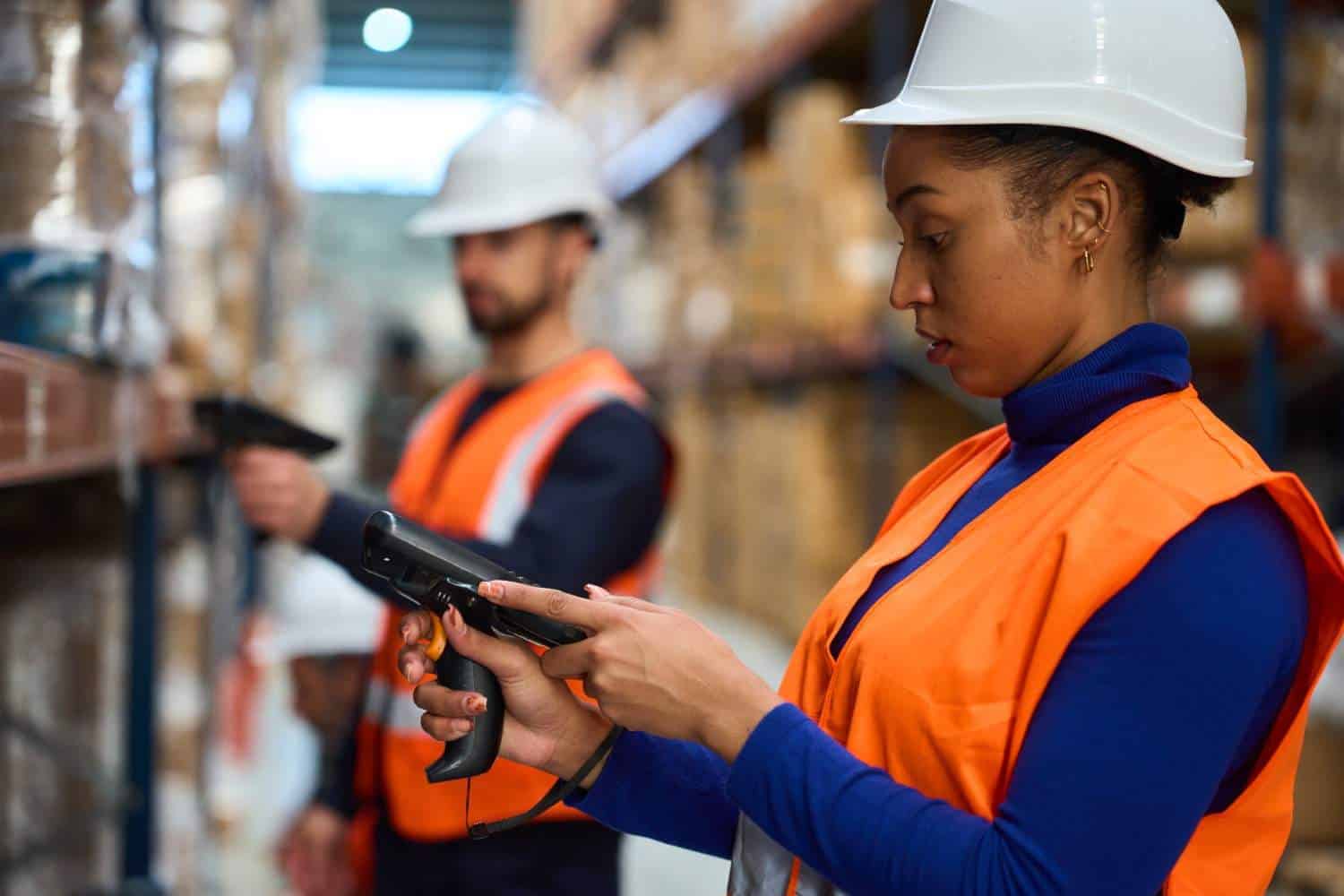
The construction industry is seeing a major shift toward using tablet devices to boost the flow of work and overall efficiency. A lot of people might first picture mainstream products like the iPad or Microsoft Surface when they hear “tablet”, but really, there are a few key details construction folks should keep in mind before choosing the right unit for their job sites. This piece looks at those details in depth so members of the construction industry can decide with more clarity, and not just go with what’s most popular or the easiest option.
Factors to Consider
When choosing a tablet for construction applications, it’s essential to consider the following factors:
1. Operating Temperature
- Ensure that the tablet can operate effectively in a wide range of temperatures commonly encountered in the field.
2. Storage Temperature
- Consider where the tablet will be stored, including potential extremes in the trunk of a vehicle during hot summers and cold winters.
3. IP Rating (Ingress Protection)
- Check the tablet’s IP rating, which indicates its resistance to solid objects like dust and liquids such as water—common hazards in construction environments.
4. Commercial Drop Specifications
- Evaluate how well the tablet can withstand drops without sustaining damage, instilling confidence in users that it can endure the rigors of the construction industry.
5. Outdoor Viewable Screen
- An outdoor-readable screen is crucial for construction workers, enabling them to remain efficient when working outside of typical indoor environments.
6. Gorilla® Glass
- Explore the benefits of Corning’s Gorilla Glass, a protective screen technology that enhances screen durability. (Learn more about Gorilla® Glass at Corning’s website.)
Choosing the Right Tablet for Construction Industry Applications
Construction sites have changed. Blueprints still exist, but they’re on screens now. Inspections get logged digitally. Materials get tracked in real time. Project managers check progress from wherever they happen to be standing. Tablets made a lot of that possible — and on serious job sites, they’ve stopped being a novelty and started being a tool people actually depend on.
The problem is that most tablets weren’t built for where construction actually happens. A device that works beautifully in a boardroom can fail completely on a job site — and it usually does, faster than anyone expects.
Dust gets into things. Rain happens. A tablet gets set down wrong, or falls, or spends a summer weekend in the back of a truck that turns into an oven. Consumer electronics aren’t designed around any of that. Construction environments don’t care what a device costs or how good the reviews were.
Picking the wrong tablet means devices that die early, repair bills that stack up, and workers who can’t access what they need when they need it. Picking the right one means the technology stays out of the way and does its job.
Here’s what that decision actually comes down to.
Why Tablets Have Become a Job Site Staple
The back-and-forth between field and office used to eat up a lot of time. Workers needed a drawing; they walked to the trailer. A supervisor needed a signature; someone drove across the site. That friction added up across a project.
Tablets largely eliminated it. Now the drawing is in someone’s hand. The form gets filled out on-site. The photo gets taken and uploaded before the worker moves to the next task.
Day-to-day on construction sites, tablets handle:
- Viewing blueprints and CAD drawings
- Accessing project management software
- Conducting inspections and safety reporting
- Managing inventory and materials
- Capturing photos and field documentation
- Communicating with field and office teams
- Tracking equipment and assets
- Processing digital forms and signatures
None of that works, though, if the device can’t survive where the work actually happens.
What to Look for When Choosing a Construction Tablet

1. Operating Temperature
A tablet rated for normal indoor use isn’t rated for a Phoenix job site in August or a Minnesota inspection in January. Those aren’t edge cases — they’re just Tuesday for a lot of construction workers.
Operating temperature range is the spec that tells you whether a device was actually designed to function outside. For construction, that means holding up through:
- Direct summer sun and high heat
- Freezing winter conditions
- Humid coastal or waterside environments
- Dusty, industrially dirty air
Consumer tablets tend to throttle performance or shut down when they get too warm. Batteries drain faster in cold weather. Neither of those things is acceptable mid-inspection or mid-project.
Rugged tablets are built around the assumption that conditions will be uncomfortable. That’s the whole point.
2. Storage Temperature
Most people check the operating temperature and stop there. Storage temperature deserves equal attention.
After a shift ends, tablets don’t always go somewhere climate-controlled. They end up in truck beds, toolboxes, site trailers, and storage containers. In summer, those spaces can hit extreme heat. Winter nights can leave a device sitting in temperatures well below freezing for hours.
Repeated exposure to conditions outside a device’s storage rating quietly degrades it — battery capacity drops, screens develop problems, and internal components wear out faster than they should. The device still turns on for a while, but it’s not the same device it was.
Knowing the storage temperature range before buying isn’t complicated. It’s just a check that protects what you spent.
3. IP Rating
Mud, rain, dust, standing water, and construction sites have all of it, often at the same time. An IP rating is the standardized way to know whether a device was tested against those conditions or just described as “tough” in the marketing copy.
The rating covers two things: resistance to solid particles like dust, and resistance to liquids. The numbers mean something specific:
- IP65 handles dust completely and resists water jets
- IP67 goes further, surviving temporary submersion
For teams doing road construction, utility work, heavy civil projects, or outdoor inspections in variable weather, this spec matters more than most. A device without proper sealing doesn’t fail dramatically. It just becomes unreliable gradually, until one day it stops working somewhere inconvenient.
4. Drop Specifications
Nobody plans to drop a tablet. It happens anyway — off scaffolding, from equipment, during a handoff, at the end of a long shift when attention slips. On a consumer device, one bad drop can mean a shattered screen and a repair that costs nearly as much as a replacement.
Multiply that across a field team over a year, and the numbers get uncomfortable quickly.
Construction-grade tablets get drop-tested to military or commercial standards. That’s not just a label; it reflects actual testing against impact scenarios that reflect how field use works. The frames are reinforced. The corners, which take the most abuse in a drop, get specific attention. The chassis is built to absorb shock rather than transfer it straight to the screen and internals.
The practical result: lower repair costs, fewer replacements, and workers who aren’t treating their tablet like it might break at any moment.
5. Outdoor Viewable Screen
Reading a standard screen in bright sunlight is genuinely difficult. Anyone who’s tried to check their phone on a sunny day knows the experience: washing out, reflections, squinting, tilting the screen around, trying to find an angle that works.
Now imagine doing that while trying to review a detailed blueprint or fill out an inspection report. It slows everything down and introduces real room for error.
Outdoor-viewable screens handle this through higher brightness output, anti-glare coatings, and display technology specifically tuned for sunlight conditions. Workers can actually see what’s on the screen without the whole production of finding shade or blocking the sun with their bodies.
On open sites, roadside projects, and outdoor industrial work. This spec is the difference between a tablet that’s useful and one that workers avoid pulling out when it matters most.
6. Gorilla® Glass Protection
Screens on construction sites take punishment beyond drops. Tools nearby, debris in the air, rough handling through gloves, getting set face-down on surfaces that aren’t exactly smooth. Over time, that adds up, scratches affect readability, and surface damage eventually affects touch sensitivity.
Gorilla Glass, developed by Corning, is a practical answer to that. It’s significantly more scratch and impact-resistant than standard display glass. The screen stays clearer longer. Touch response holds up. The tablet looks and works like a working tool rather than something that’s been through a rough few months.
For companies equipping whole crews, screen durability has a direct line to how much is spent on maintenance and how long devices actually stay in service.
Summary
Choosing the right tablet for construction industry applications really isn’t a one-size-fits-all kind of thing. Each of the factors mentioned earlier plays a crucial part in making sure the tablet can handle the rough and tumble of a construction environment. If you look at it closely, like paying attention to specs and real use, construction professionals can end up with better decisions, and that usually means smoother workflow efficiency, plus more productivity on site.
So basically, the construction industry’s move toward tablets needs a careful selection process that matches what the job actually demands. These tablets are not merely consumer gadgets. They are sturdy working instruments, and when picked smartly, they can survive in tough conditions, even when things get messy.
Other Links:

A Horizons Talent Alumnus and Microsoft Certified Systems Engineer (MCSE), the author brings a proven track record of success in senior shared-services leadership roles within large, complex multinational organizations, particularly in the manufacturing sector.
With deep experience at Senior Manager level, they have led strategic customer relationships by understanding core business imperatives, shaping service and solution propositions, and delivering measurable business outcomes.