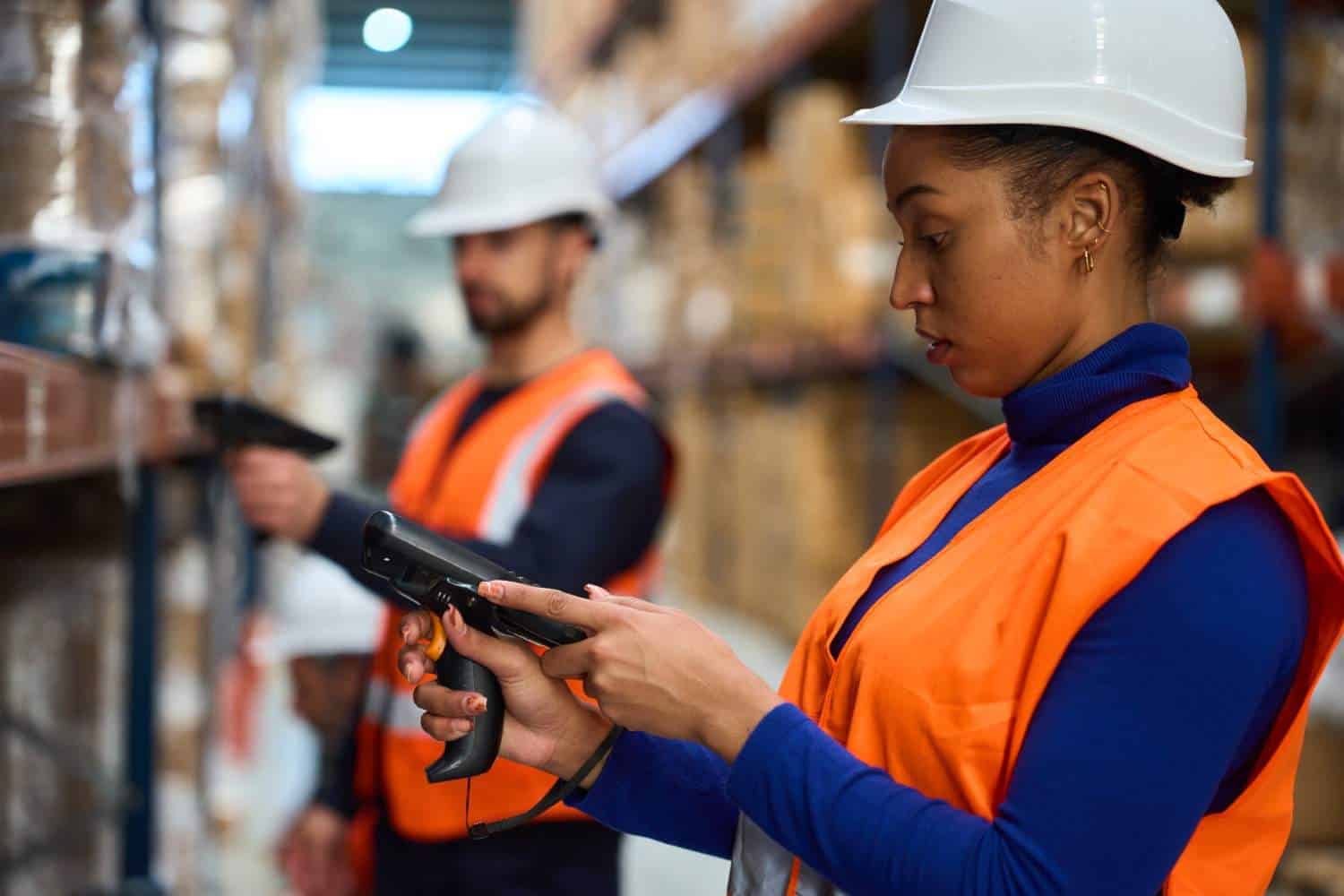
The Android operating system has gained a lot of fans in the enterprise space thanks to its use by white-collar employees and via “bring your own device” (BYOD) initiatives. Until recently, though, Android was only an option available on consumer-grade smartphones and tablets, which made it a risky bet for more demanding application environments. Several major rugged device manufacturers, including Motorola (now part of Zebra), Intermec/Honeywell and Panasonic, have since rolled out Android-based industrial mobile computers.
But is the Android OS truly enterprise-ready, and is it a viable option for use on the type of rugged devices leveraged in line-of-business applications? Earlier this year, Google issued Android for Work, an enterprise-focused containerization platform and standalone application that lets IT administrators create separate corporate and personal workspaces on Android OS-based smartphones and tablets. Last year’s release of Android Lollipop (version 5.0) introduced features that improved and standardized security (including EMM/MDM APIs).
Benefits of Using Android OS

There are several advantages to using the Android OS for enterprise deployment on rugged devices.
One key benefit is that Android has become the dominant platform in the consumer smartphone and tablet market, meaning many employees are already comfortable with its interface. This high level of user familiarity helps streamline adoption, reducing training time and costs. When paired with mobile device management solutions, enterprises can further enhance security, simplify device administration, and ensure consistent performance across all rugged devices.
That more familiar interface has also led to the development of more consumer-style rugged devices. Some companies have rolled out ruggedized versions of the smartphone, which splits the difference between the heavy-duty hardware customers are used to and the sleek user interface found on consumer phones.
Android is also seen as a more “open” platform, and a robust group of apps is now available in field service, logistics, and other line-of-business segments. That has given it an advantage over Apple’s iOS in the enterprise space, because Apple presents more obstacles to both app development and deployment via the company’s approval processes.
Android has also gained some traction in the rugged device space because Microsoft fumbled its mobile strategy, losing time (and market share) while it revamped its approach to embedded, rugged, and consumer-grade mobile devices.
Past versions of Android weren’t considered secure enough for enterprise deployments, but the latest upgrades include remote wipe capabilities, encryption, and application whitelisting/blacklisting features. Google has also incorporated technology (like the Samsung KNOX technology) that can help separate personal and business data on the devices.
That feature is helpful for companies using consumer-grade devices in a BYOD environment. Deploying Android on industrial devices actually improves the security picture, because the devices are corporate-owned and the IT department can control which applications and features are available.
Android’s enterprise adoption rate remains low, however, in part because of fragmentation and perceived instability. The Android OS is refreshed frequently; not every device manufacturer is running the same version of the OS, and not every app is compatible with each version. That can leave end users and app developers scrambling to stay current with the updates.
Another downside is that the majority of applications deployed in the rugged space (warehouse management, direct store delivery, etc.) were originally built for Windows Mobile, Windows CE, or Windows Embedded. That makes it difficult (or even impossible) to maintain current applications while moving to Android-based hardware. However, with the release of Microsoft’s WE8H OS, many of those older Windows-based applications will no longer be supported. End users will likely have to refresh their application software no matter what platform they choose, which could put Android on more equal footing with the new Windows Embedded platform.
Peripheral support is another potential obstacle. If you have an existing stock of barcode readers, portable printers, magnetic stripe readers, or other devices, make sure that whatever mobile computer and operating system you select supports those devices.
Is Android The Right Choice For Your Rugged Enterprise Application?
Hardware and application choices have greatly expanded, and Google has improved the platform’s security and manageability. Depending on your application needs and your level of comfort with Android’s frequent updates, the OS presents some appealing cost and training advantages over competing platforms.
Is Android OS a Viable Option for Industrial Mobile Computers?
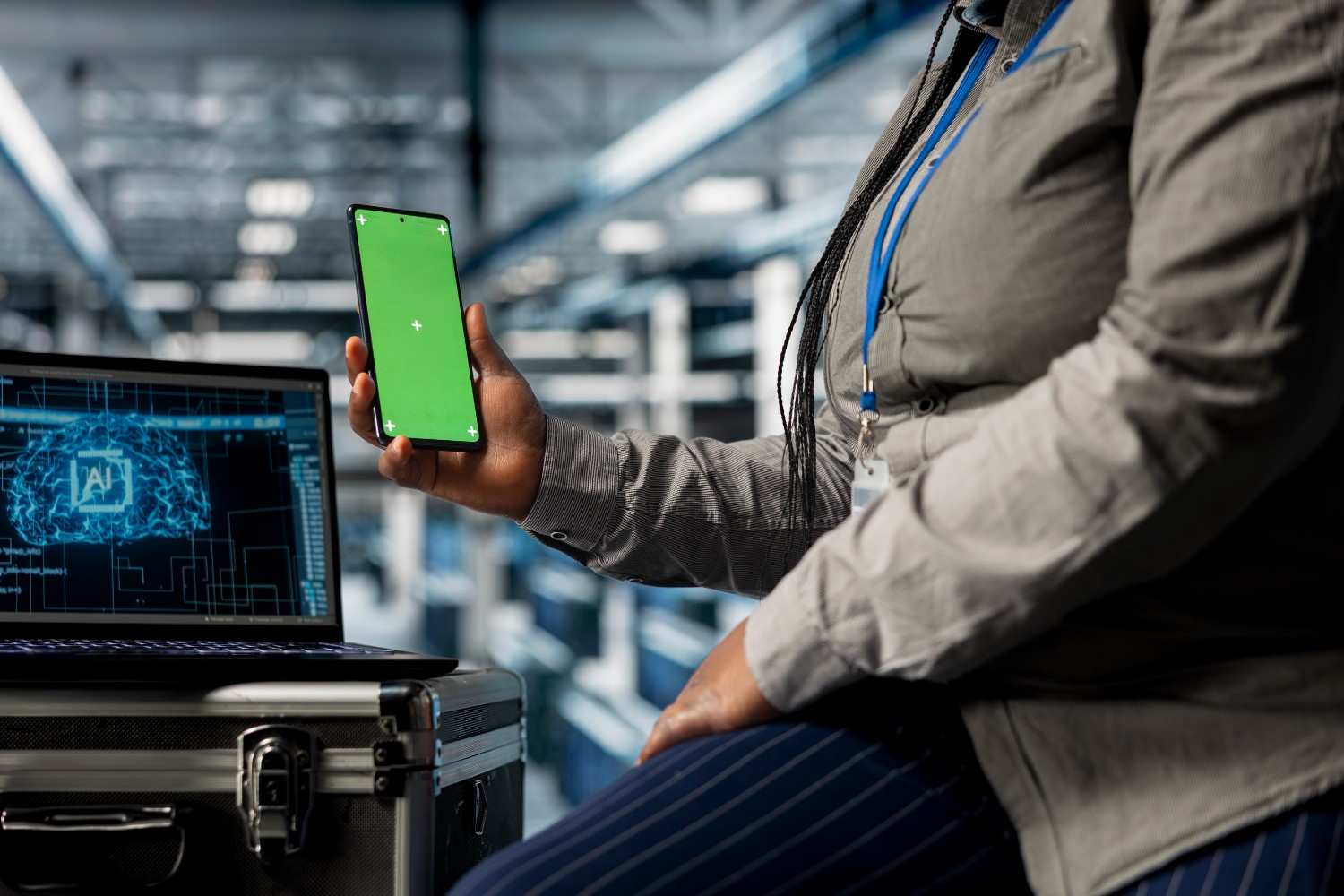
The Rise of Android in Industrial Mobility
Industrial mobile computers have become essential tools for warehouses, manufacturing facilities, transportation networks, and field service operations. As businesses continue to digitize their workflows, Android has emerged as a practical operating system for rugged enterprise devices. Its familiar interface, expanding business ecosystem, and enterprise-ready capabilities make it an attractive choice for organizations seeking to modernize their mobile workforce.
Familiar User Experience Improves Adoption
One of Android’s biggest advantages is user familiarity. Since many employees already use Android smartphones in their personal lives, they can quickly adapt to Android-powered industrial mobile computers with minimal training.
This familiarity helps businesses:
- Reduce onboarding time
- Improve employee productivity
- Lower training costs
- Increase user confidence when adopting new technology
For organizations with large workforces or seasonal employees, this ease of use can significantly accelerate deployment.
Rugged Devices Built for Demanding Environments
Today’s Android industrial mobile computers are specifically engineered for harsh working conditions. Unlike consumer smartphones, these rugged devices are designed to withstand drops, dust, moisture, vibration, and temperature fluctuations.
Many enterprise models also include features such as:
- Integrated barcode scanners
- Long-lasting batteries
- High-performance processors
- Reliable Wi-Fi and cellular connectivity
- Ergonomic designs for extended use
These capabilities make Android-powered devices suitable for continuous daily operations in demanding industrial settings.
Enterprise Security and Device Management
Security has become a key strength of Android’s enterprise platform. Modern Android devices support advanced security features that help organizations safeguard sensitive business data while simplifying device administration.
Businesses can benefit from:
- Device encryption
- Secure authentication
- Remote lock and wipe capabilities
- Controlled application access
- Centralized device management
When combined with enterprise mobility management solutions, IT teams can remotely configure devices, deploy updates, monitor performance, and maintain compliance across an entire fleet.
Flexible Integration with Business Systems
Android’s open architecture allows businesses to integrate industrial mobile computers with a wide range of enterprise applications. From warehouse management and inventory tracking to asset management and field service software, Android supports workflows that improve operational efficiency.
Organizations can connect mobile devices with:
- ERP systems
- Warehouse Management Systems (WMS)
- Inventory tracking platforms
- Asset tracking solutions
- Barcode and RFID technologies
This flexibility enables seamless data collection and real-time operational visibility across multiple business processes.
Challenges to Consider Before Deployment
Despite its advantages, Android deployment requires careful planning. Device manufacturers often release operating system updates on different schedules, making software consistency an important consideration for IT departments.
Organizations should evaluate:
- Application compatibility
- Operating system update policies
- Long-term security support
- Hardware lifecycle management
Businesses migrating from older Windows-based mobile platforms may also need to update or replace legacy applications to fully leverage Android’s capabilities.
Ensuring Hardware Compatibility
Industrial environments depend on a variety of connected peripherals. Before selecting Android mobile computers, businesses should verify compatibility with existing equipment to ensure a smooth transition.
Common peripherals include:
- Barcode scanners
- RFID readers
- Mobile label printers
- Wearable devices
- Vehicle-mounted computers
Choosing compatible hardware helps maximize existing technology investments while minimizing deployment challenges.
Building a Future-Ready Mobile Workforce
Android has evolved into a mature operating system capable of supporting modern industrial operations. Its combination of user-friendly design, enterprise security, application flexibility, and rugged hardware compatibility makes it a strong option for businesses seeking to improve workforce mobility.
Lowry Solutions helps organizations implement Android-based enterprise mobility by providing rugged hardware, deployment services, system integration, device lifecycle management, and ongoing technical support. With the right strategy, businesses can create a scalable mobility ecosystem that improves productivity, strengthens operational visibility, and supports long-term digital transformation.

A Horizons Talent Alumnus and Microsoft Certified Systems Engineer (MCSE), the author brings a proven track record of success in senior shared-services leadership roles within large, complex multinational organizations, particularly in the manufacturing sector.
With deep experience at Senior Manager level, they have led strategic customer relationships by understanding core business imperatives, shaping service and solution propositions, and delivering measurable business outcomes.