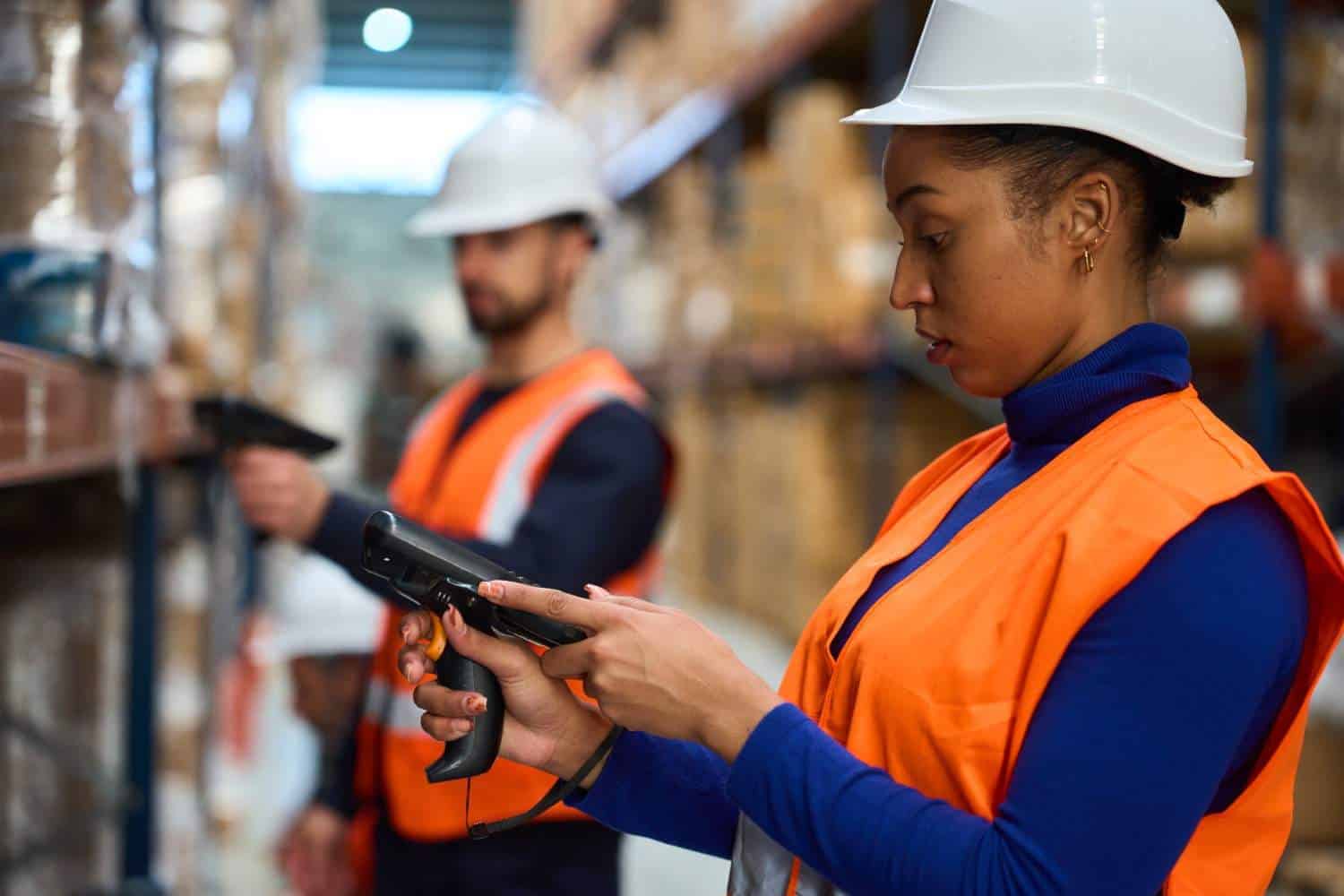
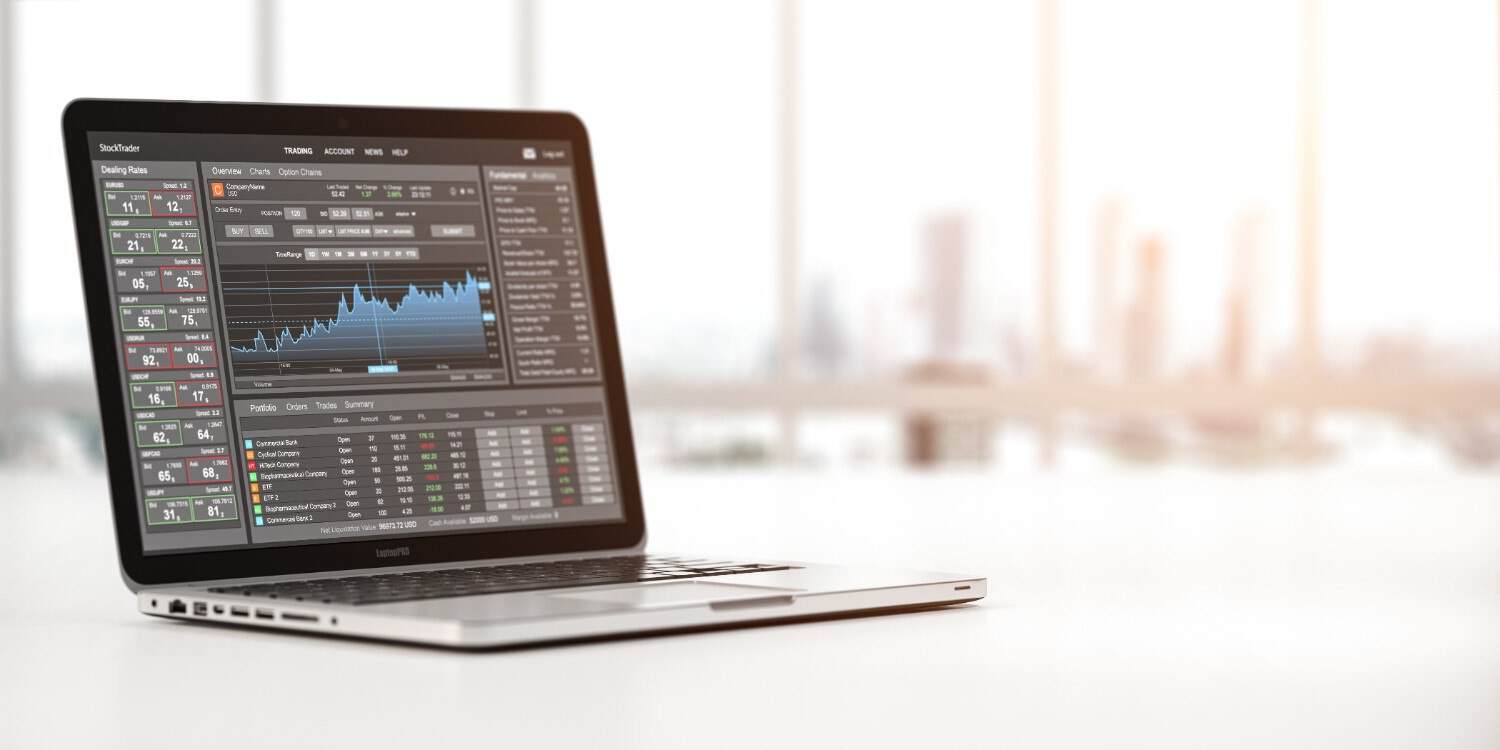
As the tablet market continues to grow, it is becoming increasingly common for end users to examine how they can incorporate tablets into their current data collection solutions. Solutions that utilize barcode scanning and RFID technology have been particularly active in adapting to the tablet trend. Although rugged tablets are the future of AIDC technology, due to the productivity that can be achieved with the larger form factor, we believe many considerations must be made when implementing a barcode scanning application within a tablet solution.
Barcode is the most common form of data collection. A barcode is a group of patterned bars and spaces that are designed to be scanned and read in order to obtain information about the object that the barcode is placed on. When considering 1D vs 2D scanner technology, different barcode formats require different scanning capabilities. A variety of manufacturers offer tablets that have a barcode scanner directly integrated into the tablet. However, depending on whether a 1D vs 2D scanner is used, performance and usability may vary. Due to the size and form factor of a tablet computer, it may be difficult to target the scan engine to scan a large number of barcode labels at a quick rate, which decreases the productivity of the tablet operator.
When an application is going to be scan-intensive and/or requires reading barcodes from a long distance, integrated scanning solutions may not be ideal. Luckily, traditional handheld scanners can have direct communication with a tablet computer via USB or Bluetooth.
USB scanning solutions refer to the process of utilizing a USB cord that attaches a barcode scanner to a tablet and allows for the scanned information to be transmitted to the tablet directly. Bluetooth scanning solutions allow the handheld barcode scanner and the tablet to communicate via Bluetooth. Many end users prefer this method for scan-intensive applications because it does not require an additional cord to be connected to the tablet. Also, with this type of solution, the end user can walk away from the tablet to scan an item and still be able to have real-time communication with the barcode scanner. When combined with mobile device management solutions, these scanning options can be efficiently monitored, managed, and secured, ensuring seamless operation across all devices in an enterprise environment.
Many traditional barcode scanning vendors are creating new scanning products that are smaller in size and weight and easily pair with tablets running the Android, iOS, or Microsoft Windows operating systems. The fact that these newer scanning technologies are emerging on the market demonstrates the need to pair the two products together in scan-intensive applications.
To learn if your tablet/scanning workflow would require an external scanner, contact your AIDC systems integrator and walk through your workflow or ask for recommendations on what solutions setup would provide the most productivity.
How Barcode Solutions Can Benefit from Tablet Integration
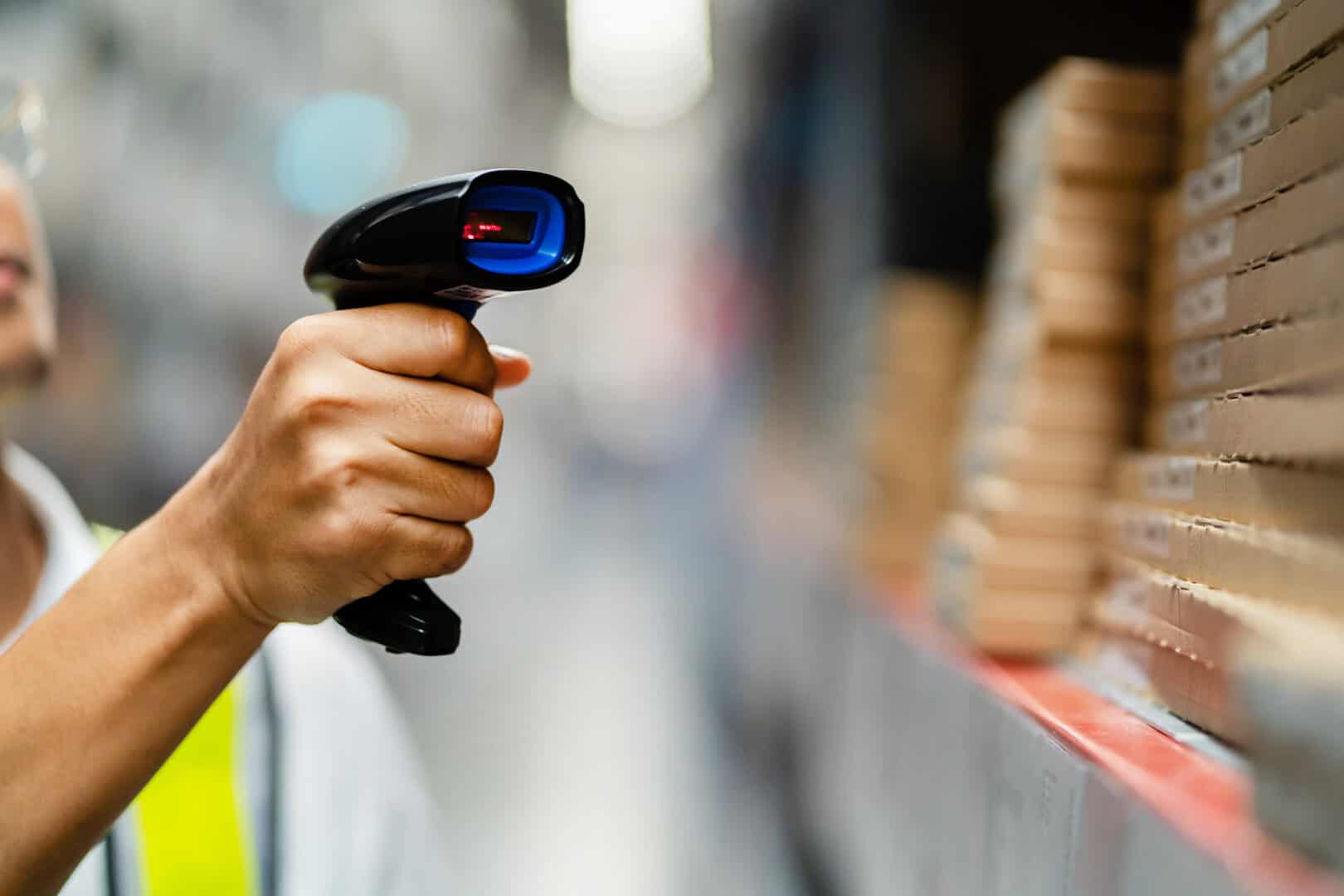
Tablets have worked their way into enterprise operations faster than most people expected. A few years ago, the idea of running warehouse inventory management or field service workflows from a tablet felt like a stretch. Now it’s common, and for good reason. Larger screens, more processing power, familiar interfaces, compatibility with cloud-based systems. Tablets genuinely close the gap between the clunky old mobile computers that dominated industrial environments and the full desktop setups that workers couldn’t take onto a warehouse floor.
But there’s a catch that organizations keep running into as tablet adoption grows: having a tablet in hand doesn’t automatically solve your scanning problem. Built-in cameras and basic scanning apps get you part of the way there. For a lot of real operational environments, they don’t get you far enough.
Getting barcode integration right with tablets takes more thought than most businesses expect going in.
Why Tablets Make Sense in Data Capture Environments
The appeal isn’t hard to understand. Tablets do things that traditional handheld data collection devices never did particularly well: display information clearly, run complex applications smoothly, give workers an interface that doesn’t feel like it was designed in 2003.
In practice, organizations are using them for:
- Inventory management and order processing
- Asset tracking and inspections
- Field data collection
- Workflows that require workers to see, interact with, and act on information, not just scan a barcode and move on
For tasks that used to require someone to scan something, walk back to a terminal, look up information, and then go back to the work area, tablets collapse that into a single device in hand. That’s a real productivity gain.
The problem shows up when the scanning requirements get serious.
What Integrated Tablet Scanners Actually Can’t Do
Some tablets ship with built-in scanning capability. For light, occasional scanning, it works fine. For warehouse-grade, high-volume, all-day scanning, it usually doesn’t.
The issue isn’t that the technology is bad. It’s that tablets aren’t built around scanning as a primary function. The form factor works against it. Holding a tablet up to scan a barcode, angling it correctly, waiting for the camera to register, doing that a few times, and it’s manageable. Do it hundreds or thousands of times across a shift, and a few problems emerge:
- Scan speed is slower than dedicated hardware
- Accuracy drops on damaged labels, awkward angles, or items that can’t be positioned easily
- The scanning range is limited compared to purpose-built devices
- The physical act of scanning with a tablet gets tiring in a way that a handheld scanner doesn’t
In a warehouse or distribution center where scanning pace directly affects throughput, those limitations aren’t minor inconveniences. They’re operational drag that shows up in productivity numbers.
External Scanners: When They’re the Right Call
Purpose-built barcode scanners exist for a reason. They’re designed around one job, creating barcodes quickly, reliably, and consistently in demanding conditions. When you pair that with a tablet handling the display, application logic, and user interaction, you get something more capable than either device alone.
External scanners connect to tablets in two ways, and the right choice depends on the workflow.
USB scanners are the straightforward option for fixed or semi-fixed positions. Packing stations, receiving desks, retail counters, anywhere the worker and the tablet are staying in roughly the same spot. The connection is stable, there’s no battery to manage on the scanner side, and setup is simple. Plug it in, and it works.
Bluetooth scanners are what make sense when workers need to move. Warehouses, large retail floors, and field operations are environments where tethering a scanner to a tablet with a cable would create more problems than it solves. Workers can scan items that are on shelves, in racking, on pallets, or in locations where the tablet itself can’t easily go. The data transfers in real time. The workflow doesn’t require the worker to stay within arm’s reach of the tablet.
That physical separation, scanner in hand, tablet nearby or mounted, is often what makes a tablet-based scanning system actually work in practice.
Building the Workflow Around the Right Division of Labor
One of the genuine advantages of the tablet-plus-external-scanner approach is that it lets organizations assign each device to what it actually does well.
The tablet handles visualization, application interaction, decision support, and anything that benefits from a larger screen and more processing capability.
The scanner handles data capture fast, accurately, and purpose-built.
Workers aren’t fighting the form factor of either device to make it do something it wasn’t designed for. The result in high-volume environments is:
- Faster scanning throughput because the scanner isn’t compromising
- Less operator fatigue because the scanning motion is more natural
- Better accuracy because the scanner handles damaged or difficult labels that a camera-based approach would struggle with
- Cleaner workflow because the two functions aren’t competing on a single device
It sounds like splitting a job in two, but it actually makes both parts better.
1D vs 2D — Getting the Scanner Type Right
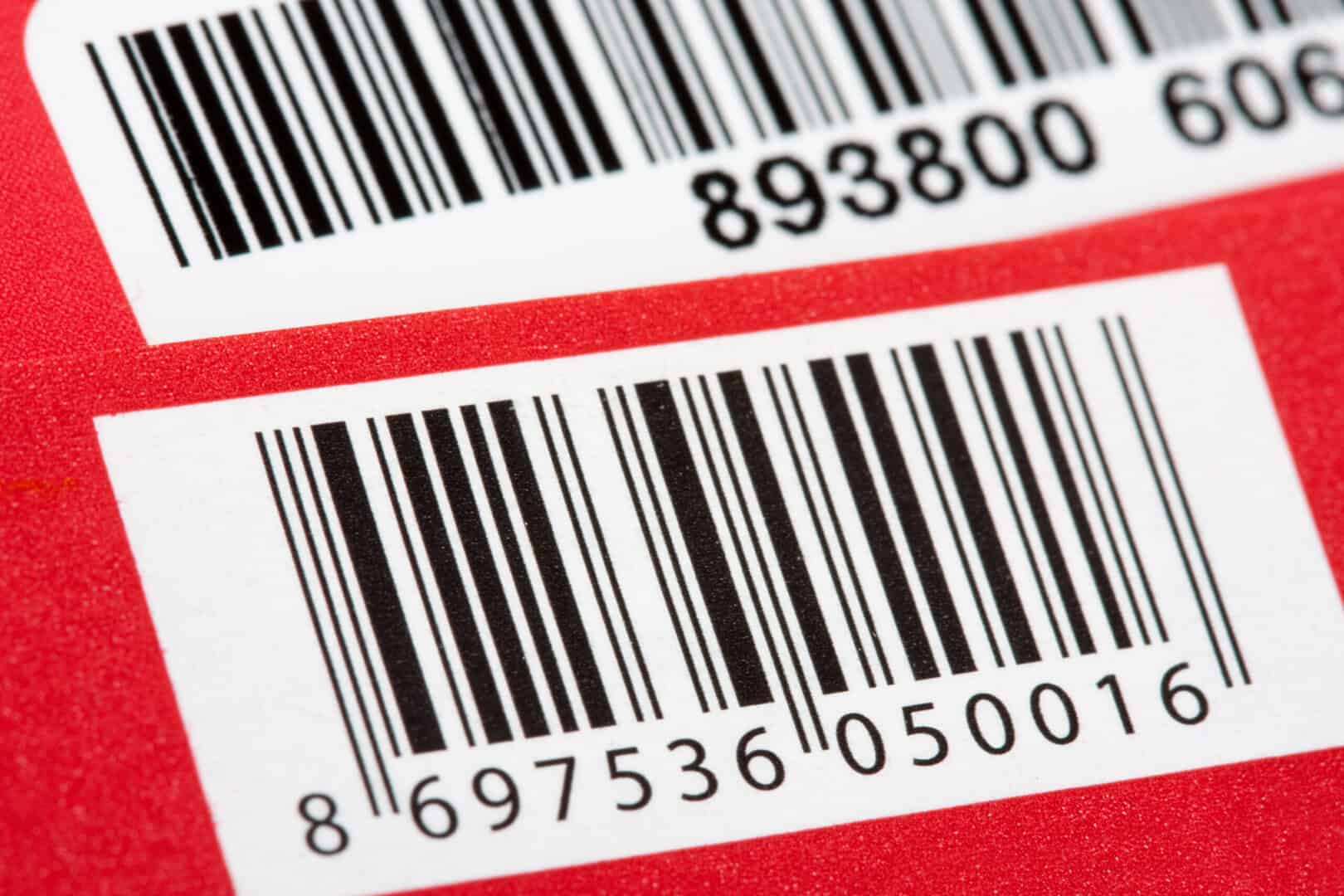
Not all barcodes are the same, and not all scanners read all barcode types equally well. It’s worth getting this right before deployment rather than after.
1D scanners handle traditional linear barcodes, the kind that have been on retail products and shipping labels for decades. They’re fast and reliable for that specific use case.
2D scanners read QR codes and other matrix formats that carry more data. They also tend to handle damaged or poorly printed labels better than 1D scanners.
In practice:
- Retail environments doing standard product scanning often do fine with 1D
- Healthcare and logistics workflows using QR codes, patient records, or complex shipment tracking need 2D
- Manufacturing environments sometimes need both, depending on what’s being scanned at which stage
Deploying the wrong scanner type creates entirely avoidable friction. A 2D scanner costs a bit more but handles everything a 1D scanner handles and then some, for environments with mixed requirements, it’s usually the right call.
Rugged Hardware for Industrial Realities
Office environments are forgiving. Warehouses, manufacturing plants, and outdoor field operations, not so much.
Consumer-grade tablets in industrial environments have a way of not lasting very long. Drops happen. Dust and moisture are present. Temperature swings between dock doors and climate-controlled areas are real. A device that handles everyday office use doesn’t necessarily survive a shift on a warehouse floor.
Rugged tablets are built for that reality, designed to take drops, resist dust and moisture, and keep working in temperature conditions that would kill a standard device. Paired with industrial-grade scanners that share the same durability standards, the combination holds up in environments where reliability is non-negotiable.
The alternative, replacing consumer-grade devices regularly because they keep failing, costs more in the long run and creates the kind of operational disruption that nobody budgets for but everyone experiences.
Managing Devices at Scale
Deploying one tablet and one scanner is simple. Deploying fifty or a hundred of them across multiple locations is a different problem entirely.
Mobile Device Management handles what becomes unmanageable manually at scale:
- Security policies are applied consistently across every device
- Software updates are pushed remotely without pulling devices from the floor
- Application versions are controlled, so everyone is running the same thing
- Device performance is monitored without physically checking each unit
- Troubleshooting is done remotely when something isn’t working right
For industries where data accuracy and security aren’t optional, healthcare, logistics, manufacturing, finance, MDM isn’t a nice-to-have. It’s what makes a large deployment actually governable.
There’s No Universal Answer
The truth about tablet-based scanning solutions is that the right configuration depends entirely on the specific operation. Scanning frequency, range requirements, environmental conditions, how mobile workers need to be, what the data feeds into downstream, all of it matters.
Some operations genuinely do fine with integrated tablet scanning. Others need dedicated external hardware paired with the tablet. Some need rugged devices throughout. Some need a mix depending on the work area.
What consistently doesn’t work is assuming that any tablet with a camera covers the scanning requirement, or that a single configuration works everywhere across a complex operation. The organizations that get this right spend time mapping their actual workflows before selecting hardware, and usually work with people who have done it before in similar environments.
When the pieces fit together properly, right tablet, right scanner type, right connection method, right device management, the productivity gains are real, and the operational friction largely disappears. Getting there just requires asking the right questions first.

A Horizons Talent Alumnus and Microsoft Certified Systems Engineer (MCSE), the author brings a proven track record of success in senior shared-services leadership roles within large, complex multinational organizations, particularly in the manufacturing sector.
With deep experience at Senior Manager level, they have led strategic customer relationships by understanding core business imperatives, shaping service and solution propositions, and delivering measurable business outcomes.