
As you may or may not be aware, Printronix has just announced End of Support on the P5000 printer base (applicable to all OEM models, including the IBM 6400), with an effective End of Support date of December 1st, 2013. Upgrade to the new Printronix P8000 series printer family.
What does End of Support mean for you?
- No more parts
- No more tech support
- No more firmware/software upgrades
- Increase in downtime rise
- Loss of revenue
Therefore, we would like to discuss with you at your earliest convenience your options for upgrading to the new Printronix P8000 series printer family offering a reduced cost of ownership, increased reliability, and enhanced configurability.
The new Printronix’s P8000 family of Line Matrix printers is the ideal replacement for the P5000 series printers. The P8000 offers
a broader portfolio of products that support the same features and functionality as the P5000 series enabling a seamless and easy transition. In addition it delivers:
- New user-friendly design and Higher reliability
- Lower cost of operation, and improved power efficiency
- Increased ribbon yield, improved print quality, and easy ribbon installation
- Plug and print compatibility with existing applications
- Free “Green” Recycle of old printers with the purchase of a new P8000
Why Upgrading from the Printronix P5000 Is More Than a Hardware Decision
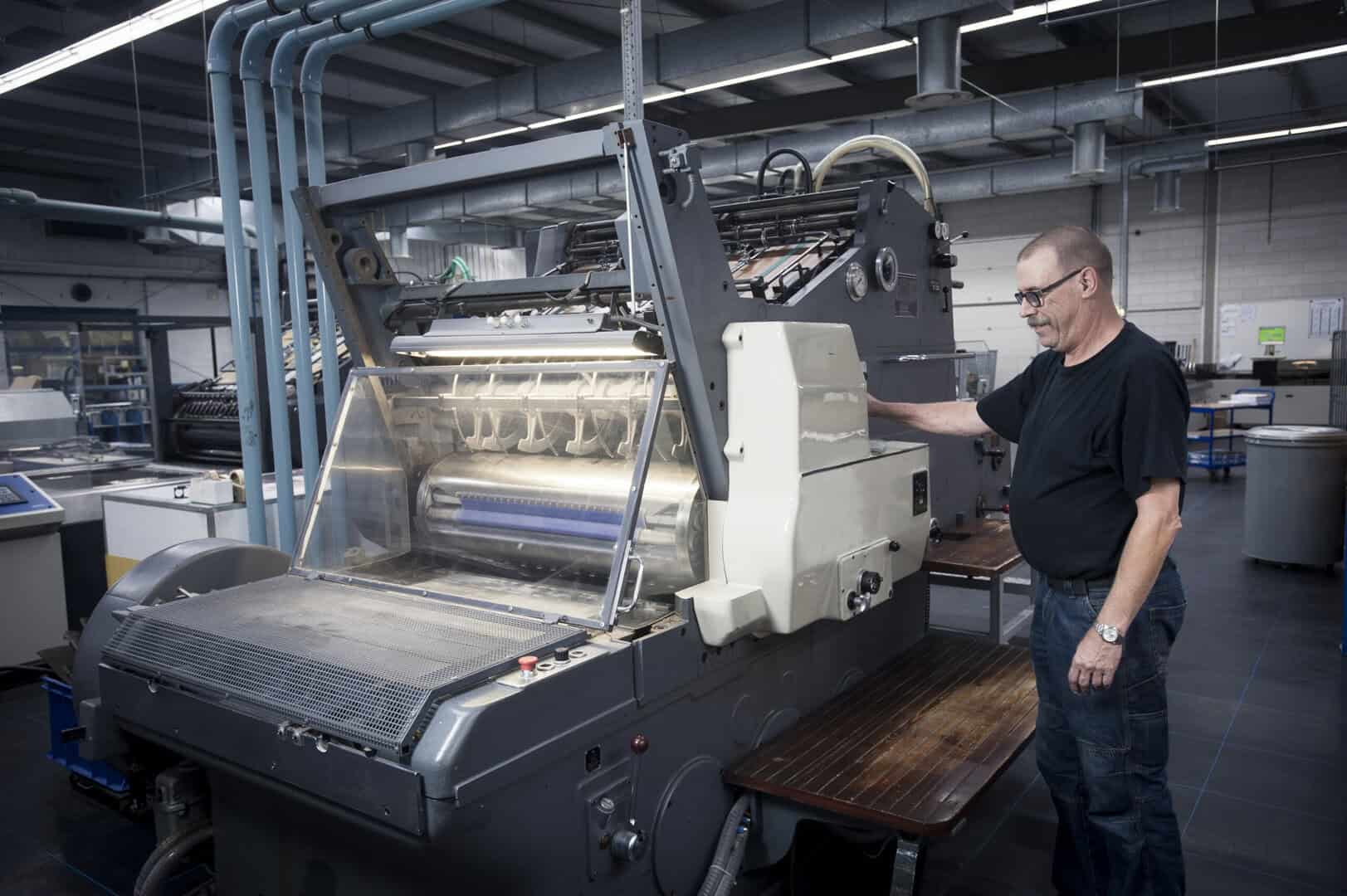
There’s a familiar pattern in most organizations when a piece of equipment hits its End of Support date. Someone flags it. A meeting happens. The conclusion is usually some version of “it’s still working fine, let’s revisit this later.” And then later becomes much later, until something actually breaks, and suddenly it’s an emergency.
With the Printronix P5000 series reaching End of Support, that pattern is worth resisting. Not because the printers will immediately stop working, they probably won’t. But what End of Support actually removes is the safety net underneath them. And in high-volume printing environments, operating without that safety net is a riskier position than most organizations realize until they’re already in trouble.
What End of Support Actually Means in Practice
The phrase gets thrown around a lot, but it’s worth being specific about what changes once manufacturer support ends.
It’s not just that you can’t call the helpdesk anymore. The practical consequences stack up over time:
- Replacement parts become harder to find and more expensive when you do
- No more firmware updates, which means security gaps and compatibility issues don’t get fixed
- Technical support for complex issues simply isn’t available
- Repair times stretch because parts have to be sourced from third parties
- Maintenance costs creep up as the hardware ages without manufacturer-backed servicing
Any one of these is manageable on its own. Together, they create an environment where a printer that runs fine today becomes increasingly fragile and increasingly expensive to keep running.
The Downtime Problem Nobody Budgets For
When organizations calculate the cost of sticking with aging equipment, they almost always focus on the hardware. What does a new printer cost? Can we delay that purchase another year?
What doesn’t make it into that calculation is what happens when the printer goes down unexpectedly. And in environments where printing is woven into core workflows, manufacturing floors, distribution centers, logistics operations, and warehouses, that downtime has a real price.
Think about what actually stops when a production printer goes offline:
- Shipping labels don’t get printed. Shipments don’t go out.
- Packing slips, invoices, and bills of lading, all of which back up
- Compliance documentation falls behind
- Employees are standing around waiting instead of working
- Customer deadlines get missed
None of that shows up in the “cost of a new printer” conversation. But it should, because those are the actual costs of not upgrading, and they can accumulate fast when a failure comes at the wrong moment.
The Case for Getting Ahead of It
There’s a real difference between replacing a printer because it failed and replacing one because you decided to. The first scenario puts you in reactive mode, with rushed decisions, emergency procurement, and pressure to get something running fast. The second gives you control.
A planned upgrade means:
- You pick the timing. Implementation happens during a slower period, not during peak season, when a failure would hurt most.
- Budget is planned, not scrambled together after an unexpected breakdown
- Staff get trained properly before the new equipment becomes mission-critical.
- IT has time to test compatibility with existing systems before going live.
That’s just a better way to handle it. Organizations that wait for failure to force the decision rarely feel good about how it goes.
Line Matrix Printing Still Has a Real Place
It’s worth addressing something that comes up in these conversations: whether line matrix printing itself is outdated technology worth replacing altogether.
For a lot of industrial environments, the answer is straightforwardly no. Line matrix printers handle things that office-style printers simply aren’t built for:
- Continuous high-volume printing without the per-page cost of laser or inkjet
- Multi-part forms that other technologies can’t produce
- Genuinely industrial durability in harsh environments
- Consistent throughput under heavy operational loads
Manufacturing, logistics, transportation, distribution, warehousing, utilities, these industries use line matrix printers because they fit the work, not out of habit. The question isn’t whether to keep using the technology. It’s whether the specific hardware is still up to the job.
The Compatibility Question
One of the most common reasons organizations delay hardware upgrades is the fear of what breaks when they switch. Software integrations, ERP connections, warehouse management systems, reporting tools, the concern is that a new printer creates a wave of downstream changes nobody has time to manage.
The P8000 is designed with that concern in mind. Compatibility with existing applications and operational environments means organizations aren’t forced into software overhauls alongside the hardware transition. Workflows stay intact. Users aren’t relearning processes from scratch. Deployment moves faster because the integration complexity is lower.
That’s not a small thing. It’s often the difference between an upgrade that goes smoothly and one that creates three months of headaches.
Looking at Total Cost Honestly
Purchase price is one number. What it actually costs to own and operate a printer over several years is a different number, usually a bigger one.
Real total cost of ownership includes:
- Maintenance and repair frequency
- Consumables — ribbons, parts, supplies
- Energy consumption over time
- The productivity cost of downtime
- Labor hours spent managing aging equipment
Older printers tend to lose ground on most of these over time. Maintenance gets more frequent. Parts get harder to source. Reliability dips. Modern equipment generally performs better across all of them, and the savings often cover the upgrade cost faster than organizations expect when they actually run the numbers.
Sustainability Is Part of the Conversation Too
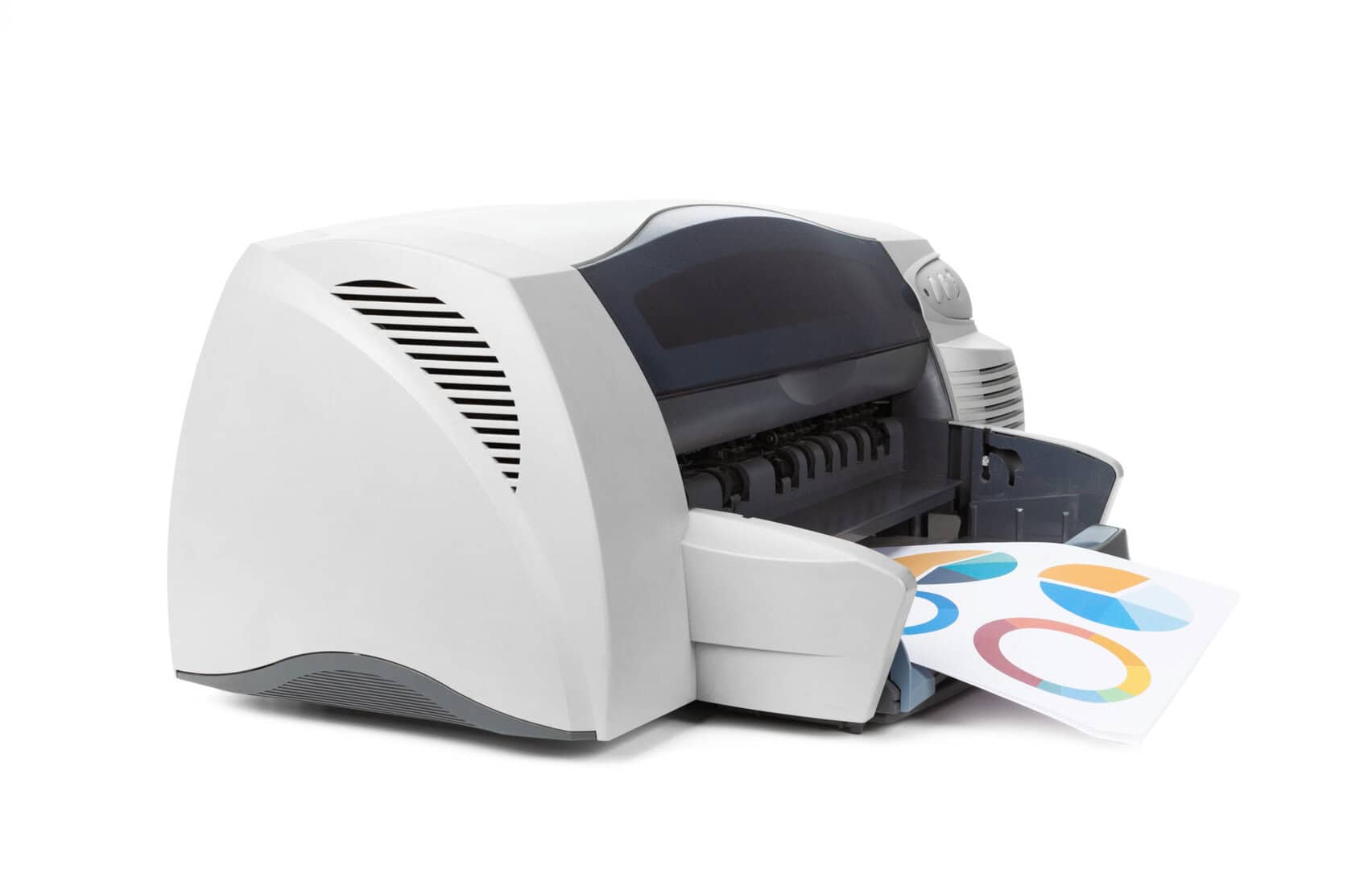
This doesn’t always come up in printer upgrade discussions, but it should. Replacing aging hardware with more efficient equipment has a real environmental dimension, lower energy consumption, responsible disposal of old hardware through recycling programs, and reduced waste from more efficient consumables.
For organizations with sustainability reporting requirements or internal environmental commitments, these are legitimate line items. An upgrade that also advances sustainability goals is easier to justify at multiple levels of the organization.
Planning the Migration Right
A printer upgrade goes smoothly when it’s treated as a proper project rather than a simple swap. A few things worth working through before deployment:
Current requirements — What are actual print volumes, document types, and workflow dependencies? The solution should fit the real operation, not a rough estimate of it.
Growth trajectory — Equipment that handles today’s demands comfortably should also handle where the business is heading. Buying to current minimums creates the same problem again sooner than expected.
Integration mapping — Which systems talk to the printer? ERP, warehouse management, manufacturing platforms, reporting tools — compatibility should be verified before anything is deployed, not discovered during rollout.
Support — Who handles it when something goes wrong? Working with experienced technology partners makes a genuine difference, especially during the transition period.
For more details on the Printronix P800 Line Matrix printers, contact us at Lowry.

A Horizons Talent Alumnus and Microsoft Certified Systems Engineer (MCSE), the author brings a proven track record of success in senior shared-services leadership roles within large, complex multinational organizations, particularly in the manufacturing sector.
With deep experience at Senior Manager level, they have led strategic customer relationships by understanding core business imperatives, shaping service and solution propositions, and delivering measurable business outcomes.